Compare
Compare every 5K and 6K Mac monitor head-to-head.
In 2026, the Apple Studio Display sets the bar for 5K Mac monitors. With the Pro Display XDR discontinued, the ASUS ProArt PA32QCV has become the practical 6K reference. Every other Mac-compatible monitor I've reviewed gets compared head-to-head against one of them, so that is how I've lined these up.
5K · The Apple Studio Display benchmark
Compare 5K monitors to the Apple Studio Display
The Apple Studio Display is the default 5K display for Mac. Every other 5K option I've reviewed stacks up against it on specs, price, ports, and fit.
-
 vs
vs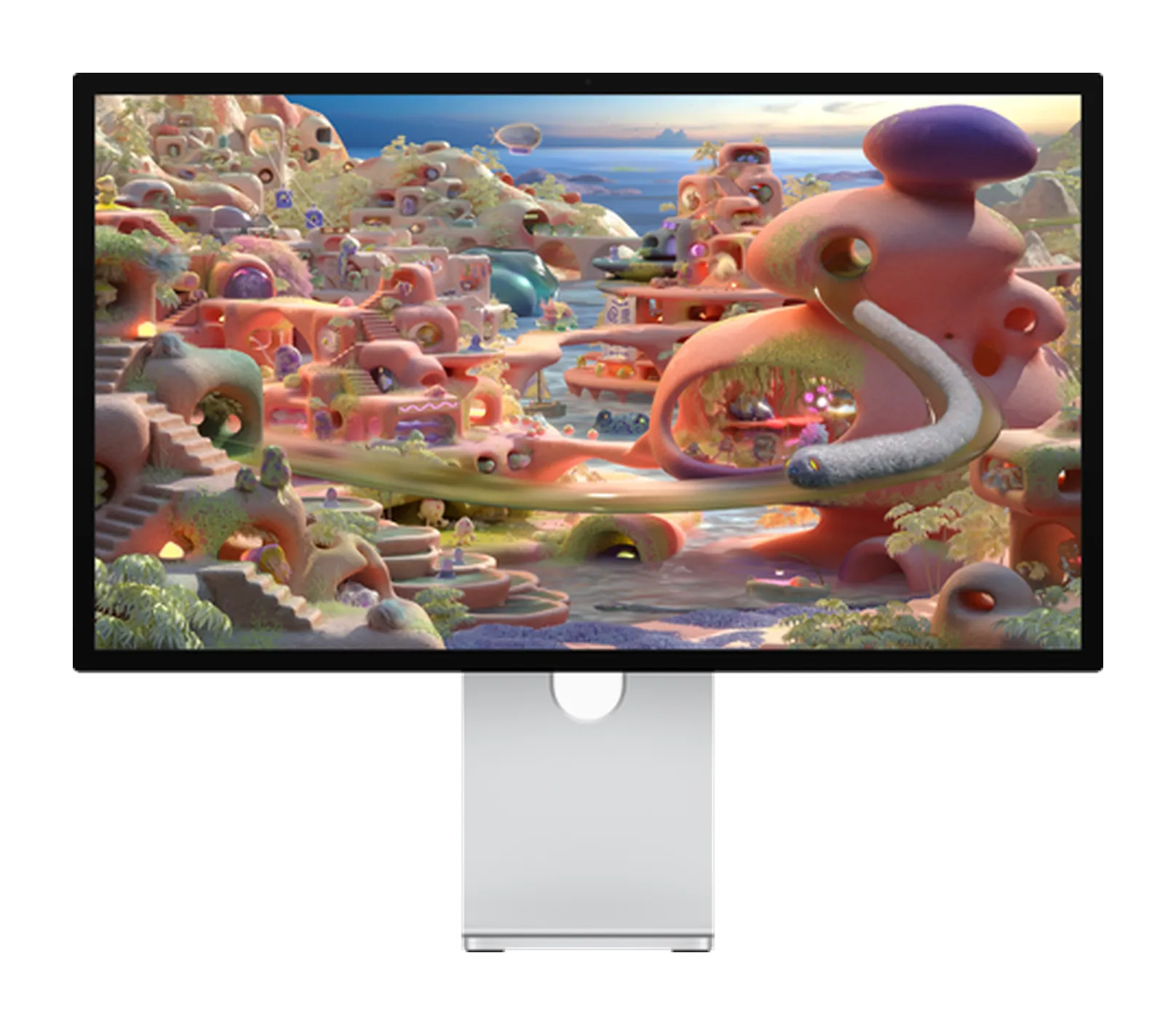
$1,700 more · what you get for it
Apple Studio Display vs Apple Studio Display XDR
$1,599 · $3,299 Compare - vs

$600 less · what you give up
Apple Studio Display vs BenQ MA270S
$1,599 · $999 Compare - vs
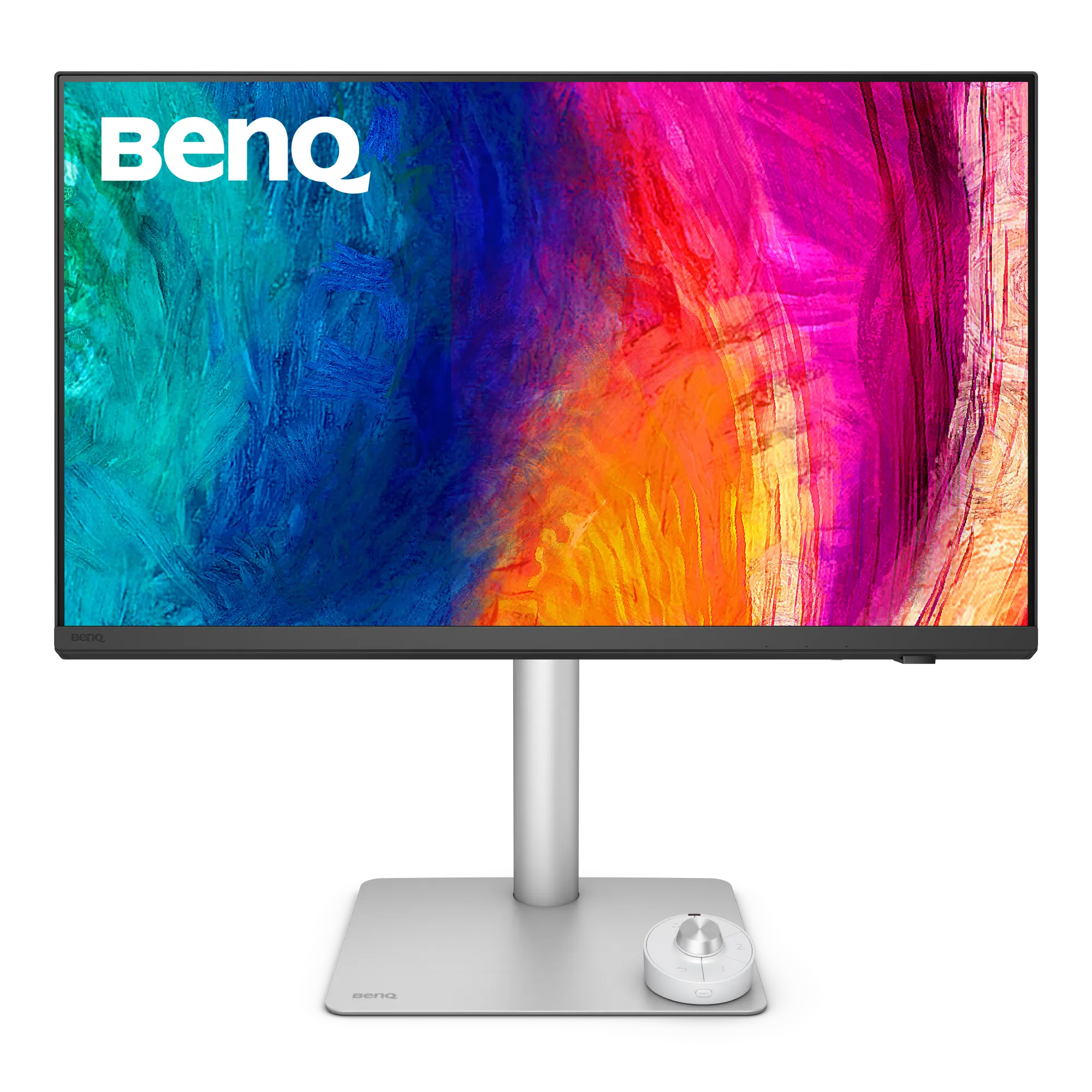
$400 less · what you give up
Apple Studio Display vs BenQ PD2730S
$1,599 · $1,199 Compare - vs

$800 less · what you give up
Apple Studio Display vs ASUS ProArt PA27JCV
$1,599 · $799 Compare - vs
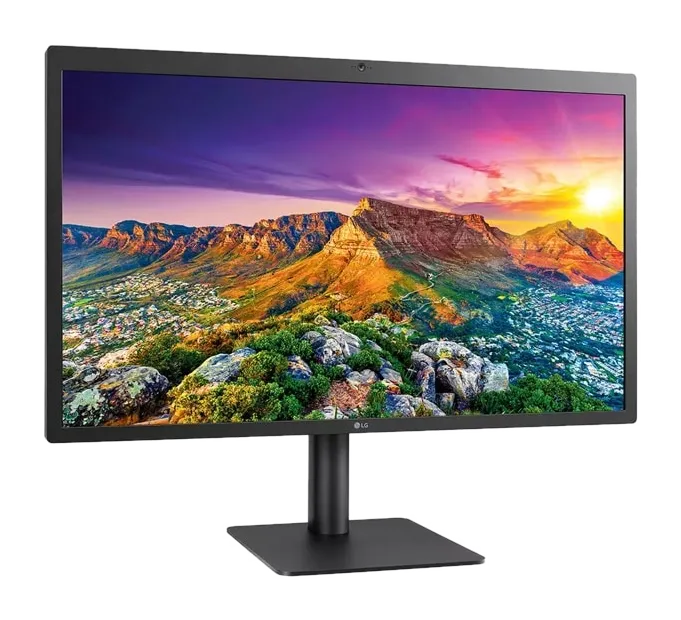
$300 less · what you give up
Apple Studio Display vs LG UltraFine 5K
$1,599 · $1,299 Compare
6K · The ASUS ProArt PA32QCV benchmark
Compare 6K monitors to the ASUS ProArt PA32QCV
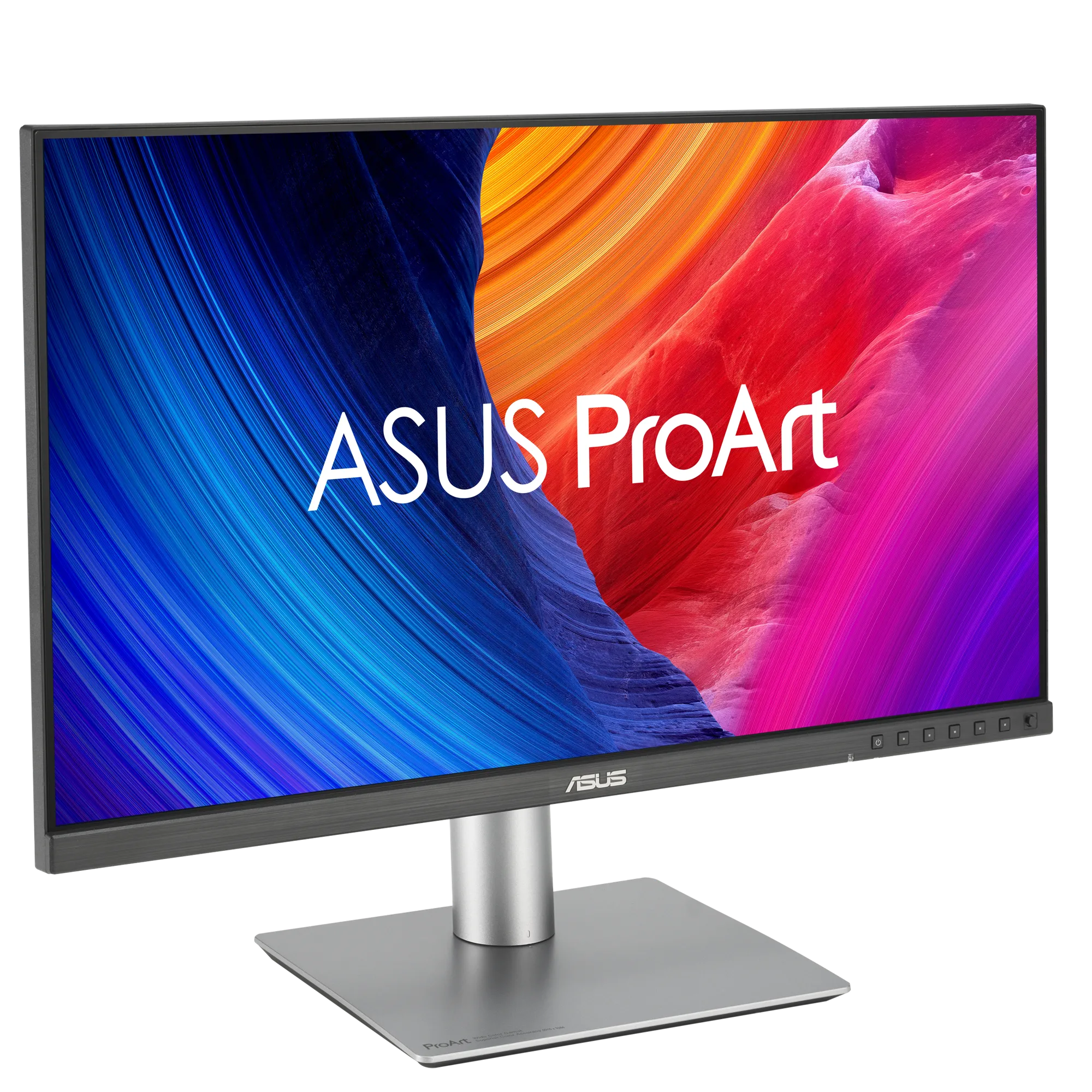
With Apple's Pro Display XDR discontinued, the ASUS ProArt PA32QCV is the practical 6K reference for Mac. Every other 6K alternative I've reviewed gets compared to it on colour accuracy, ports, and real-world value.
-
 vs
vs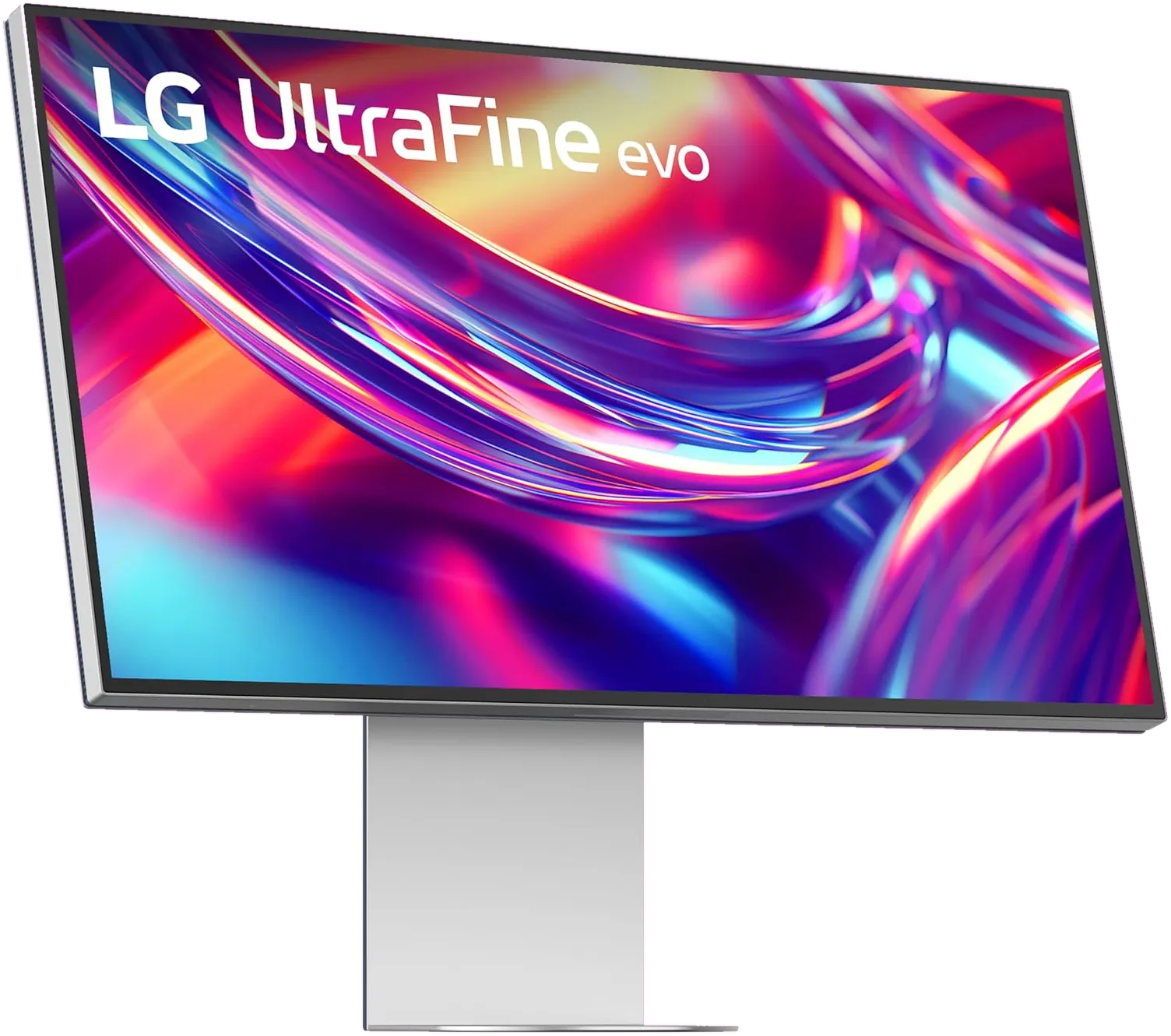
$700 more · what you get for it
ASUS ProArt PA32QCV vs LG UltraFine evo 6K
$1,299 · $1,999 Compare - vs

$1,100 more · what you get for it
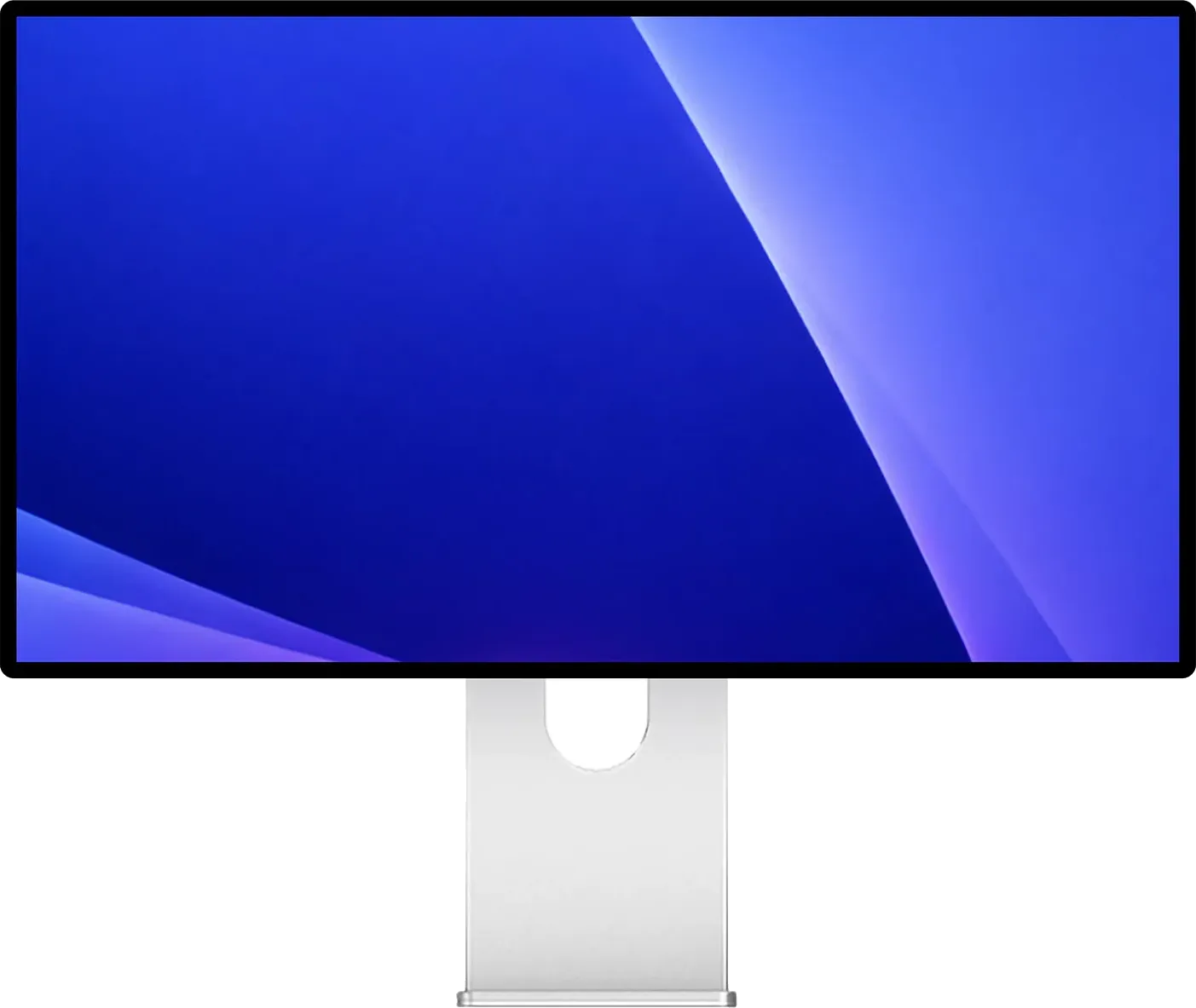
ASUS ProArt PA32QCV vs Dell UltraSharp U3224KB
$1,299 · $2,399 Compare - vs
$400 more · what you get for it
ASUS ProArt PA32QCV vs Kuycon G32P / G32X
$1,299 · $1,699 Compare
Frequently asked questions.
What's the best Apple Studio Display alternative for Mac in 2026?
There isn't a single 'best' — it depends on which Studio Display weakness matters most to you. The ASUS ProArt PA27JCV undercuts Apple's $1,599 with a similar IPS 5K panel at $799. The BenQ MA270S adds a higher refresh rate and HDR10 at $999. The LG UltraFine 5K offers near-identical specs in a different chassis. The matchups above pair every 5K Mac monitor I've reviewed against the Studio Display so the trade-offs are explicit on each card.
Is a 4K monitor good enough for Mac, or is 5K worth the upgrade?
For text-heavy work, 5K at 27 inches is genuinely sharper. macOS renders the UI assuming roughly 218 PPI, which 4K hits cleanly at 24 inches but not 27. At 27 inches, a 4K panel runs either at 1080p-equivalent (text too large) or 1440p-equivalent scaled, where macOS upscales internally and softens edges. You'll see the difference in code editors, long documents, and fine typography. With 5K alternatives now starting around $799, the 4K-vs-5K decision is mostly budget, not capability.
5K vs 6K monitor for Mac: which should I get?
Pick by screen size, not resolution. 5K is the 27-inch Retina resolution (5120×2880); 6K is the 32-inch one (6144×3456). Both hit roughly 218 PPI — the density macOS treats as Retina-sharp — so neither looks sharper than the other. A 6K monitor gives you about 40% more usable workspace at the same pixel quality, which matters for video editing, multi-window development, or reference-image work. 5K is enough for everything else.
Why does text look sharper on my MacBook than on my external monitor?
Because your MacBook's built-in display hits ~218 PPI (Apple's Retina threshold), and most external monitors don't. macOS renders text expecting that density. On a 4K 27-inch monitor at 1440p-equivalent scaling, macOS upscales internally then downscales to fit, softening edges in the process. The fix is a monitor that genuinely hits 218 PPI — which is exactly what 5K at 27 inches and 6K at 32 inches were built to deliver.
Will my Mac drive a 5K or 6K monitor at 60Hz?
Most modern Apple Silicon Macs drive 5K at 60Hz over Thunderbolt 3 or 4 without issue. 6K at 60Hz typically needs Display Stream Compression (DSC) or higher-bandwidth ports, and per-chip external display limits matter — base M-series chips support fewer monitors than M-Pro or M-Max variants. Use the Mac External Display Support tool to check the exact limits for your specific Mac.
Want a different matchup?
Open any monitor review and use "Compare with any monitor" to see a head-to-head with any other display in our catalog, no page reload required.