The best 5K monitors for MacBook Pro
Every Retina-density 27-inch 5K monitor worth buying in 2026, ranked by value, build, and Mac integration.
- Monitors ranked
- 5 monitors ranked
- Author
- By Parish Khan
- Updated
- Updated
Our picks
The ranked lineup.
BenQ
BenQ MA270S

BenQ
BenQ MA270S
$999
The value for money 5K monitor for Mac. BenQ matches the Studio Display's 218 PPI display density at only $999. It has height adjustable stand, dual Thunderbolt 4 with 96W charging and daisy chain support. DisplayHDR 400 at 70 Hz. Smart KVM and a Mac tuned color profile. Sadly there is no camera or good speakers. but you are saving $600.
Apple
Apple Studio Display

Apple
Apple Studio Display
$1,599
The simplest 27 inch 5K for a Mac desktop. The 218 PPI P3 panel with single cable Thunderbolt 5 for charging + display + data. A really good 12 MP camera. And a six speaker setup that performs better than a $300 sound system. You pay the Apple premium and you get the Apple quality.
BenQ
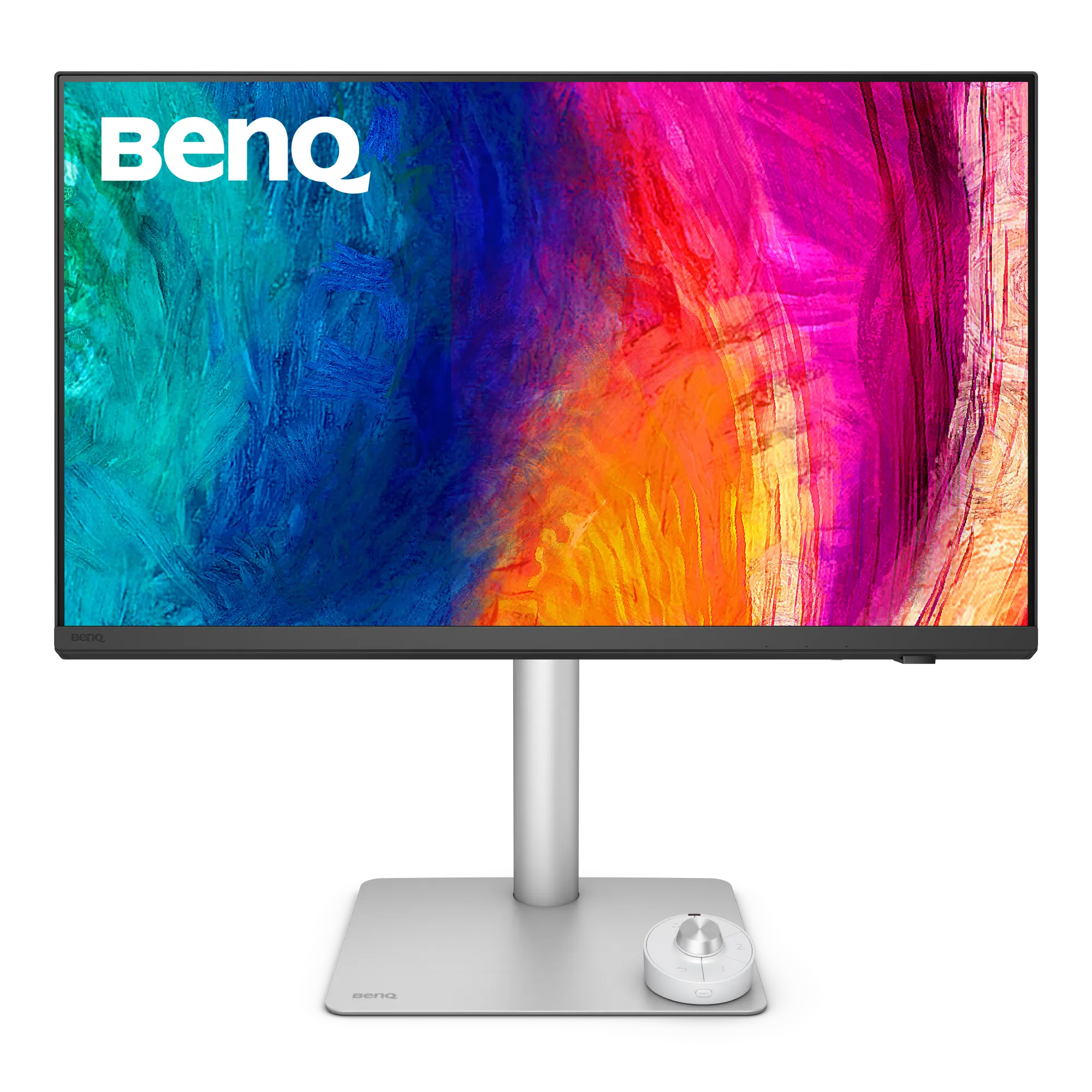
BenQ PD2730S
BenQ
BenQ PD2730S
$1,199
For editors who want color accurate 5k display without paying Pro Display XDR prices. This monitor is Factory Calman and Pantone verified. It has a printed Delta E report in the box. DisplayHDR 400 with HDR10 and hardware KVM built in. The most pro 5K Mac monitor under $1500.
ASUS
ASUS ProArt PA27JCV

ASUS
ASUS ProArt PA27JCV
$799
The budget 5K that opens a new category. 218 PPI Retina density with 99% DCI-P3 and 95% Adobe RGB. Calman Verified Delta E < 2, DisplayHDR 500 and 96W USB-C charging. Unfortunately no thunderbolt host support and premium build. It is the cheapest legitimate Retina monitor for Mac at only $799.
LG
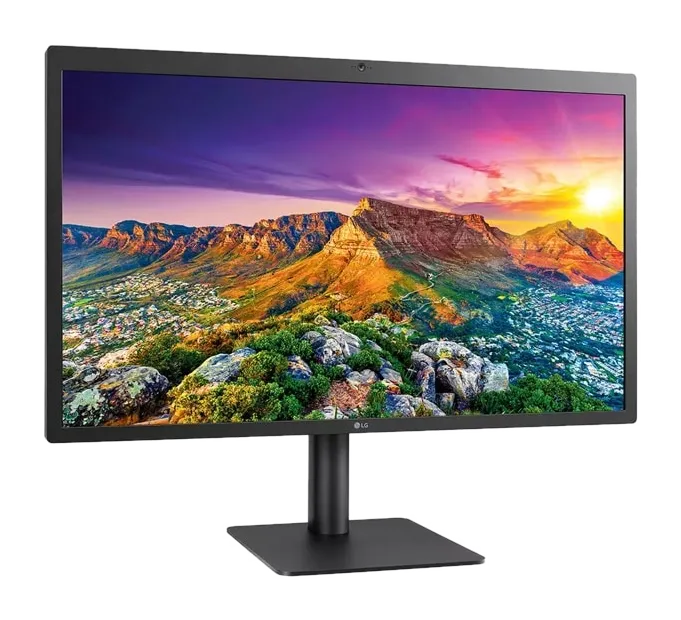
LG UltraFine 5K
LG
LG UltraFine 5K
$1,299
This monitor is a legacy pick. The panel that of this monitor is 5k and build for Mac. It has been on sale since 2015 and Apple pulled it from retail in 2022. The 2019 Thunderbolt 3 refresh is the last one of this TH3 version. The Studio Display does everything better at retail.
Why 5K matters on a MacBook Pro
macOS was designed around a specific pixel density. It works really good at 218 pixels per inch. Apple calls this “Retina”. All the built in MacBook Pro display has this retina display. The 24 inch iMac also has it. And on a standalone 27 inch external monitor only one resolution achieves it and it is the 5K- 5120 × 2880.
This is why 4K 27 inch monitors don’t looks good on Mac. Their density is around ~163 PPI. Which forces macOS into fractional scaling. Text is technically sharp but the rendering pipeline is compromised. On a none Retina display users can face a lot of hidden issues like Edges soften. Icons also looks slightly wrong. Battery draws faster and a lot of GPU work goes into downsampling.
A 5K 27 inch monitor hits 218 PPI natively. macOS renders at 2X scale without any scaling work. Text on a Studio Display is exactly as same from a MacBook Pro’s built in panel. Because the calculations for the Retina display are the same.
If you are buying a monitor for your MacBook Pro and you care about long term eye comfort and macOS text rendering then 5K at 27 inches is the only answer. 4K display has a lot of compromises and not recomended for Mac users. 6K at 32 inches also works but costs a lot more. 5K at 27 inch is the sweet spot.
The picks
1. Best overall value: BenQ MA270S ($999)
It has the same panel as the Studio Display. A really good height adjustable stand. Speed charging at 96W via USB-C. All of this with $600 less than the Studio Display. This is the monitor I recommend to most MacBook Pro owners. Read the full review →
Who it is for? If you want Retina density and single cable charging then you might not want to pay the Apple brand tax. And also you will get a stand that actually adjusts.
2. Best if budget doesn’t matter: Apple Studio Display (2026 refresh, $1,599)
This is the default pick. The 218 PPI panel, Super fast Thunderbolt 5 and a genuinely good 12MP camera with six-speaker spatial audio. You pay the Apple tax and you get the Apple’s polish. Read the full review →
Who it’s for? If you value build quality and you’ll use the camera and speakers enough to justify the extra $600.
3. Best for colour pros: BenQ PD2730S ($1,199)
The MA270S comes with a professional toolkit. It has Calman verified factory calibration with a printed Delta E report. It also offer 600 nit brightness and hardware colour space switching via a puck. If you bill clients for color accurate work then this is the one. Read the full review →
Who it’s for? freelance photo or video editors who need colour accuracy.
4. Best budget: ASUS ProArt PA27JCV ($799)
This is the best value for money monitor. Same 218 PPI panel as the Studio Display for 44% of the price. Sadly no Thunderbolt. It has Only USB-C and no height adjustable stand. Speakers are not good. but the display panel are really good. Read the full review →
Who it’s for? Any one with very tight budget. For first time Retina buyers or as a secondary display where stand and speakers don’t really matter.
5. Legacy pick: LG UltraFine 5K (from $800 used)
This is the monitor Apple sold on apple.com for seven years. It is now discontinued at retail. But the used market has them in cheap price. The panel is still good enough. Only buy used. Read the full review →
Who it’s for? If you are retro product collector or find a good deal under $1,200. Otherwise, skip.
How we picked
Every monitor in this list have this common features-
- Delivers native 5120 × 2880 resolution at 27 inches with 218 PPI Retina density
- Supports USB type C or Thunderbolt with at least 60W power delivery for a single cable MacBook Pro setup
- Offers factory calibrated color profiles in P3 color space
- Is available to buy new or used as of September 2026
We actively excluded the following-
- 4K monitors which is wrong density for Mac.
- 5K ultrawide monitors which is not 218 PPI and has different use case
- Gaming focused monitors like ultra high refresh rate and low color accuracy
- Monitors under 27 inch or over 32 inch because the density math breaks.
The short answer
Most people should buy the BenQ MA270S. It’s the best value for money in the 5K for Mac market. If you want Apple polish and don’t mind the price then the Studio Display is the best choice. If you’re shopping with tight budget then the ASUS ProArt PA27JCV is the cheapest way get a 5k monitor.
Frequently asked questions
Why is 5K the right resolution for a 27 inch Mac monitor?
For 5K at 27 inch the macOS renders at 2x which is the logical resolution for Retina display. Only 5120 x 2880 (5K) produces the 218 PPI density On a 27 inch panel that Apple designed macOS around. Text on 4K 27 inch monitors looks softer because macOS has to scale fractionally. But at 5K it maps pixel for pixel.
Is the Apple Studio Display still worth it in 2026?
Yes for all the buyers who want single cable Thunderbolt charging with the 12MP camera and six-speaker system. And Apple industrial design is best in class. But the BenQ MA270S uses the same 218 PPI panel at about $600 less.
Can I use a 5K monitor with an M series MacBook Pro?
Yes. Every Apple silicon MacBook Pro from the M1 onwards drives a 5K display at 60 Hz over Thunderbolt. How many at once depends on the chip. The M1 and M2 13 inch models manage one. The base M3 14 inch manages two, but only with the lid shut and only on macOS 14.6 or later. The M4 and M5 base chips do two with the lid open. Pro chips did two through the M4 generation and three from the M5 Pro on, and Max chips do four.
What is the cheapest 5K monitor that works well with Mac?
At time of writing, the ASUS ProArt PA27JCV at roughly $799 is the lowest priced 5K 27 inch panel. It comes with reliable macOS compatibility. It uses USB-C rather than Thunderbolt and has a basic stand. But the panel density matches more expensive 5K options.
Does 5K on MacBook Pro cause performance issues?
No. Driving a single 5K display at 60 Hz is easy work for any Apple silicon chip from the M1 on, and battery impact is fine when docked. The refresh ceiling is a monitor question rather than a Mac one. Almost every 5K panel on sale is 60Hz; the Apple Studio Display XDR is the exception at 120Hz, and it needs an M2 Pro or newer to run at that rate. It does not need Thunderbolt 5, despite how often that gets said, because 5K 120 fits inside DisplayPort 1.4 with compression.
Keep reading
Other buying guides
-
Guide
The best 6K monitors for Mac Studio
A focused guide to every 6K monitor worth buying in 2026, ranked by value, use case, and Mac integration.
Read guide -
Guide
Apple Studio Display alternatives
Every monitor that beats or rivals the Studio Display in 2026, ranked by who each one is actually for.
Read guide
Keep exploring RetinaDesk
More useful hubs if you're still narrowing the pick.