Apple
Apple Studio Display XDR
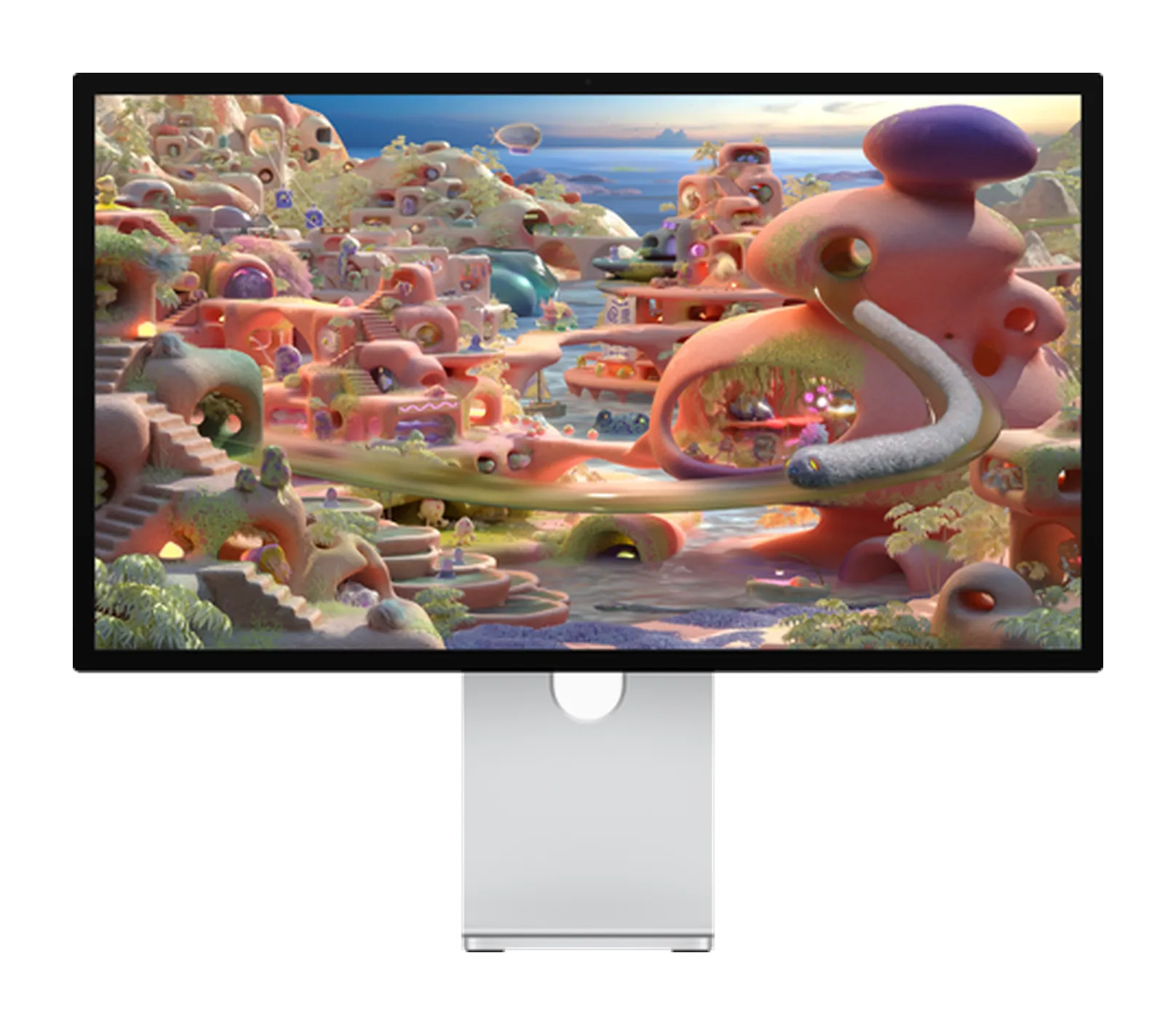
Apple · A3348
Apple Studio Display XDR Review: 27-Inch 5K HDR for Mac
By Parish Khan ·
Apple's kind of successor to the Pro Display XDR but compressed into 27 inches. Top features are Mini LED with 2304 zones, 2000 nit peak HDR, 120 Hz with Adaptive Sync, native P3 and Adobe RGB coverage, and 140W charging with Thunderbolt 5. Top grade HDR in a Studio Display chassis starting at $3299 with the tilt and height stand already in the box.
As an Amazon Associate, RetinaDesk earns from qualifying purchases.
Front 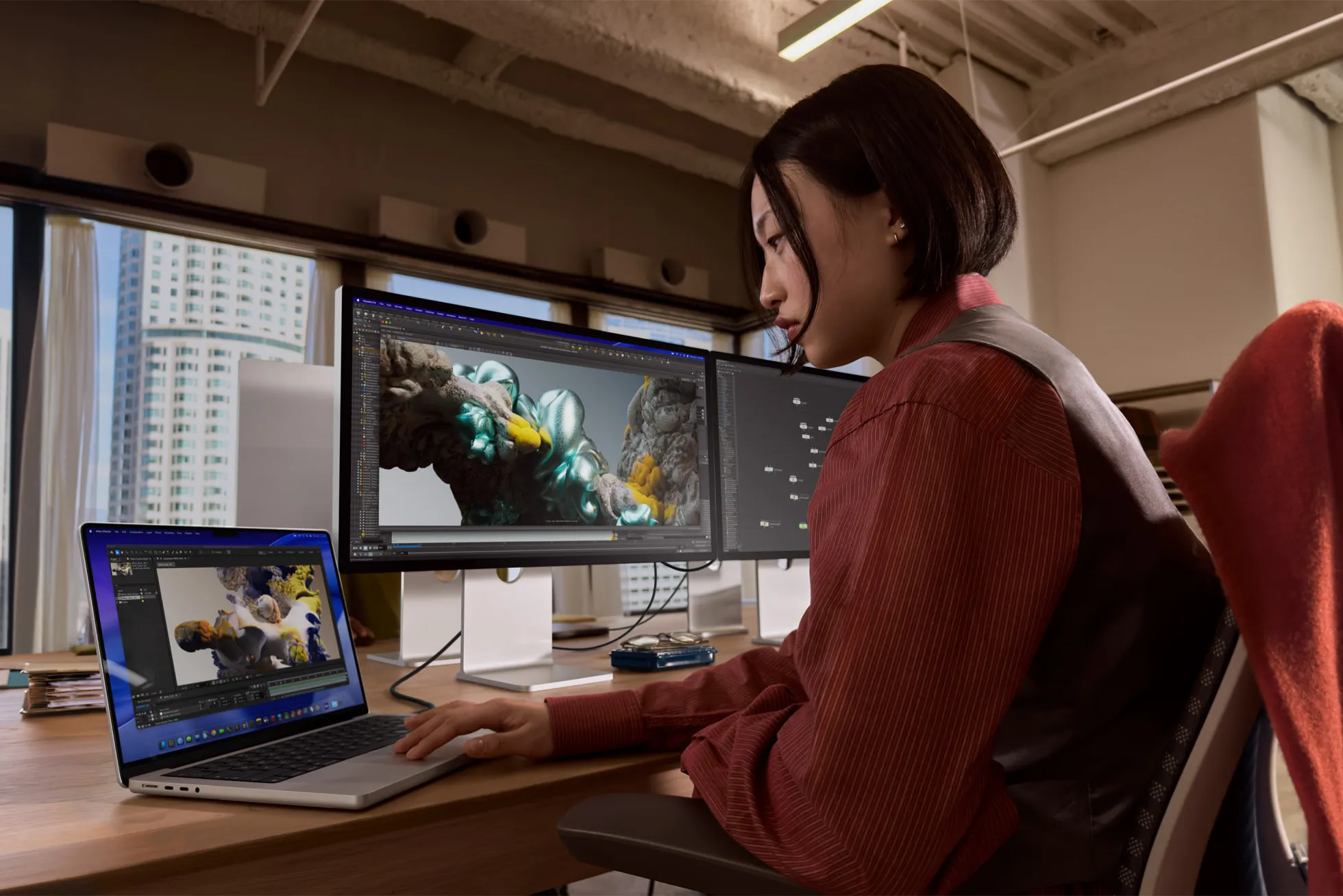 On the desk
 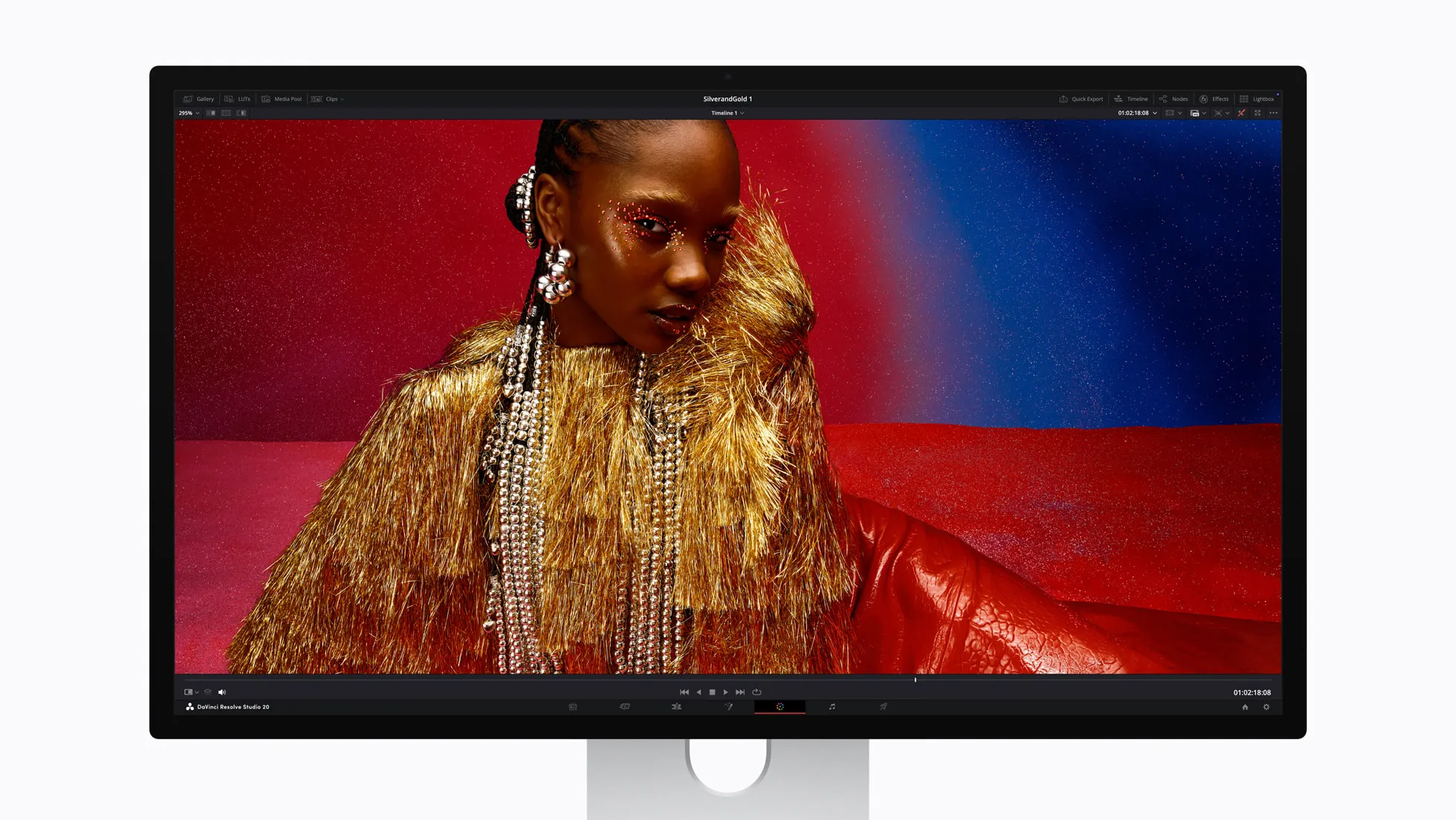 On the desk
 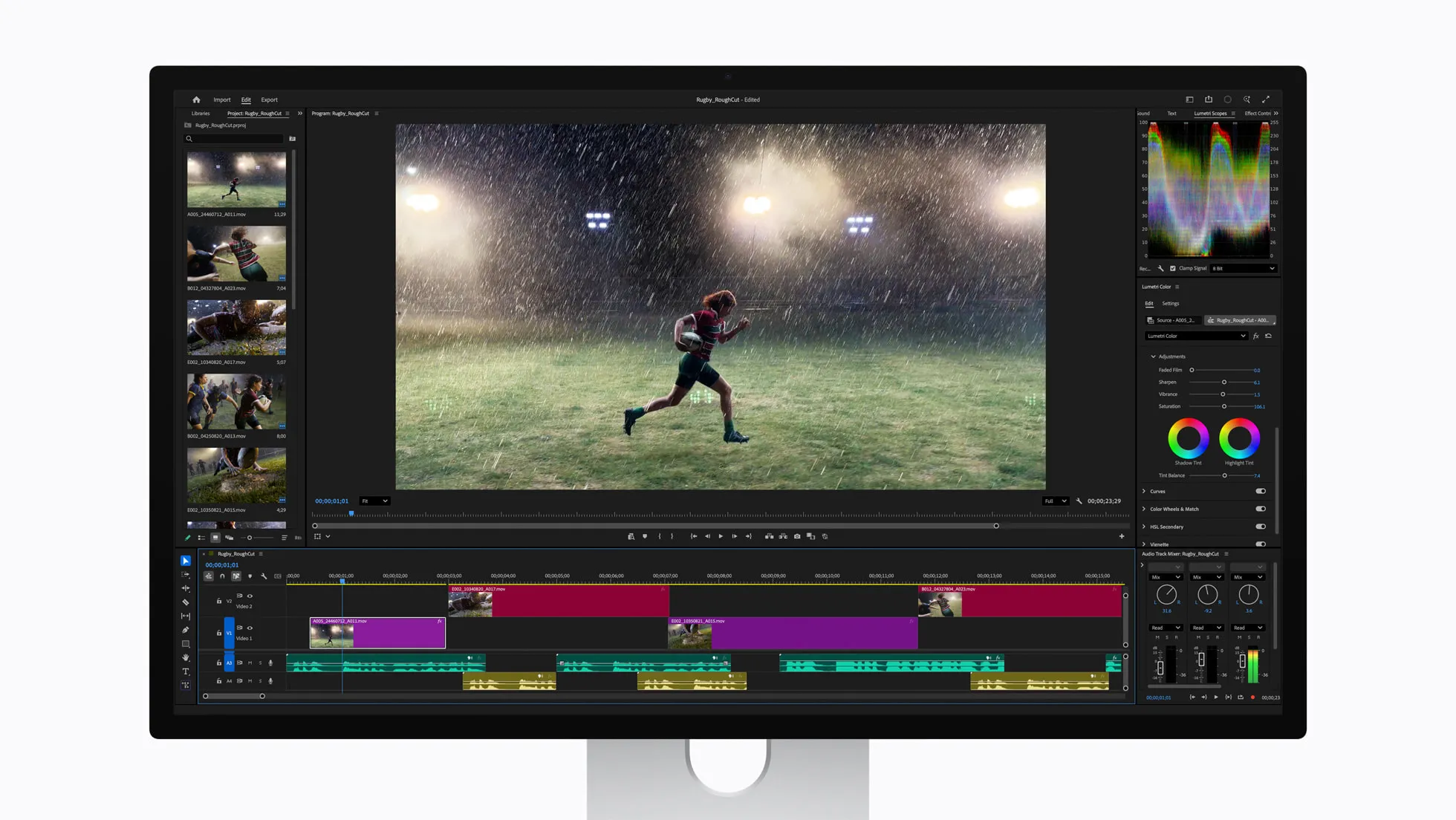 On the desk
  Close-up
 Pros
- Mini LED backlight with 2304 local dimming zones for professional work grade HDR
- 2000 nit peak HDR and 1000 nit sustained SDR. This is currently highest on any Mac display
- 120Hz refresh with Adaptive Sync. The refresh rate can be 47 to 120 Hz. This is something first for Apple displays
- It covers native P3 and Adobe RGB coverage. The Pro Display XDR didn't offered Adobe RGB natively.
- 140W charging support with Thunderbolt 5. A 16 inch MacBook Pro can be powered with a single cable
- 12MP wide camera, six speakers with Spatial Audio support. This things areidentical to the regular Studio Display
- Tilt and height adjustable stand included in the box at base price. No more $999 extra for a stand
- It has 1000000:1 contrast ratio according to Apple spec. And True Tone adaptive calibration
Cons
- $3299 is the base price. Will cost $3599 with nano texture glass. This is twice the price of a regular Studio Display
- Still it is just 5K at 27 inches. No 6K option for buyers who want more canvas
- Only two Thunderbolt 5 ports and two USB-C ports. No built in Ethernet or SD card slot
- No hardware KVM or OSD control. All the settings live entirely in macOS
- Speakers and camera are identical to the $1599 Studio Display. No upgrade here dispite of the premium price
Best for
- Colourists, HDR photo/video editors, and photoshop retouchers who need reference grade HDR for their Mac
- MacBook Pro 16 inch M4 Max, M5 Max users who want single cable docking with full 140W charging
- Apple ecosystem fan boys who wanted Pro Display XDR specs without the breaking the banks
- Anyone choosing between the regular Studio Display and a BenQ MA270S who truely needs HDR monitor
Skip if
- Users who don't need to do HDR work. The regular Studio Display has the same panel resolution but for half the price
- If 6K workflows is essential then get the ASUS ProArt PA32QCV or Dell UltraSharp U3224KB instead
- Budget conscious Mac users should choose the BenQ MA270S which is $2300 less and matches the SDR panel
- Windows or cross platform users should avoid it since the lack of KVM or OSD. And the True Tone is macOS only feature
The verdict, up top
In 2019, Apple introduced the Pro Display XDR as the 32 inch 6K panel for Mac Pro power users. After quietly discontinuing it in March 2026, Apple has replaced it with a smaller, smarter, and cheaper successor. The Studio Display XDR. It takes the Studio Display chassis everyone already familiar with and added a lot of extras like a Mini LED backlight, a 120Hz panel with promotion, Adobe RGB alongside P3, and Thunderbolt 5 with 140W charging. All for just $3299. And we should shout out loud that it included a tilt and height adjustable stand right in the box.
This is the Apple best HDR display Mac professionals have been asking for years. And it is by almost every measure a better monitor than the one it replaces.
Panel: 27 Inch 5K Retina XDR, finally with real HDR
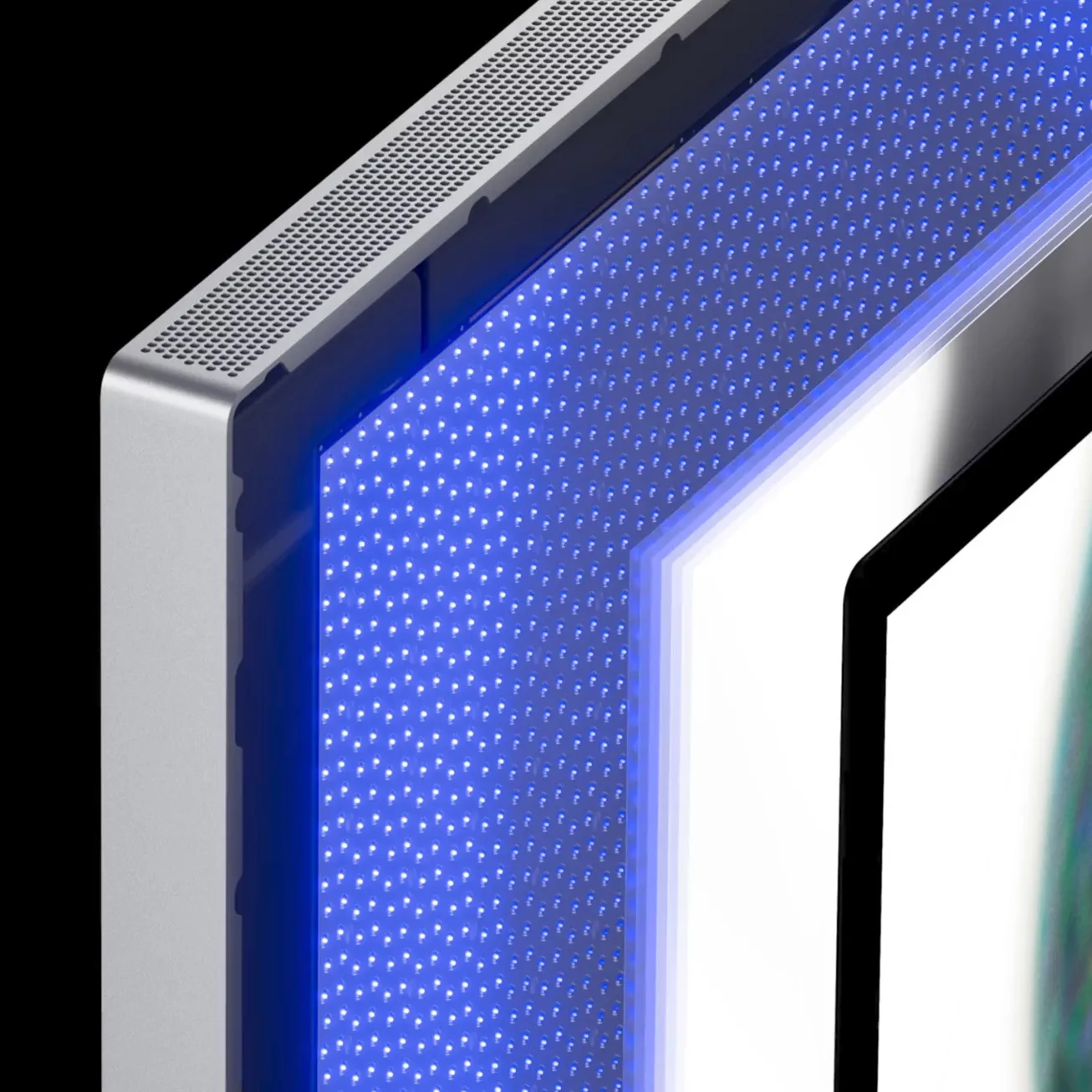
This panel is a true masterpiece. Same 5120 × 2880 resolution as the regular Studio Display and the original 27 inch iMac. 218 PPI is the exact Retina density macOS was designed around. The main difference is what’s behind the pixels. A Mini LED backlight with 2304 local dimming zones. That’s roughly four times the zone count of the 32 inch Pro Display XDR’s which has only 576 zones. It is squeezed into a screen two thirds the size of Pro Display XDR. Contrast ratio is 1000000:1 which is matching the old Pro.
Brightness have been improved too. Sustained SDR brightness hits 1000 nits which is currently the highest of any Apple display. Peak HDR brightness is 2000 nits. It is a full 400 nits above what the Pro Display XDR achieved. And the backlight drives a 120Hz panel with Adaptive Sync that ranges from 47Hz to 120Hz. It the first Apple desktop display to move above 60Hz.
Colour coverage is another meaningful upgrade. The Pro Display XDR shipped with native P3 but no Adobe RGB mode. The Studio Display XDR ships with both P3 and Adobe RGB as native gamuts. It also has dedicated reference modes for each. This still matters a lot for photographers who is mastering in Adobe RGB.
Ports, power, and the single-cable workflow
It has two Thunderbolt 5 ports 120 Gb/s each and two USB-C ports 10 Gb/s. The upstream Thunderbolt 5 port now deliver 140W of host charging. That is 44W more than the regular Studio Display which offer only 96W. 140W is enough to run a 16 inch MacBook Pro at full load without the wall charger, M4 Max or the current M5 Max. The downstream TB5 port has daisy chains which can be used with a second Studio Display XDR or a Thunderbolt 5 SSD/eGPU.
One cable does display + data + full speed charging. Apple has finally made pro laptop single cable docking workstation.
Which Macs actually get the 120Hz
Read this before you order, because it is the one spec on this monitor your Mac can take away from you. Apple’s own compatibility note says it plainly: Macs with M1, M1 Pro, M1 Max, M1 Ultra, M2 and M3 run the Studio Display XDR at up to 60Hz. Everything else about the display still works on those machines — the Mini LED backlight, the 2000 nit peak, the reference modes, Adobe RGB, the 140W charging — but the panel will not go above 60Hz.
You get the full 120Hz with Adaptive Sync on M2 Pro, M2 Max and M2 Ultra, on M3 Pro, M3 Max and M3 Ultra, and on every M4, M5 and M6 Mac. That includes the machines Apple shipped in September 2026: the M6 and M5 Pro Mac mini, and the M5 Max and M5 Ultra Mac Studio.
The awkward case is an M1 Max or M1 Ultra owner. Those are still capable machines that drive four and five displays respectively, and on paper they look like pro silicon — but they are on the 60Hz list. If ProMotion on the desktop is a reason you are spending $3,299, check your chip first. Our external display support tool has the per-chip breakdown.
The one caveat worth knowing is that nothing here needs Thunderbolt 5. 5K at 120Hz fits inside DisplayPort 1.4 with DSC, so a Thunderbolt 4 Mac like the M6 Mac mini or an M5 MacBook Air drives this panel at full refresh. Thunderbolt 5 buys you the 140W charging and the downstream daisy chain, not the refresh rate.
Stand, glass, nano-texture
The tilt and height adjustable stand is included at the base price. Apple has stopped charging extra for the adjustable stand on this monitor. They never did this on the Pro Display XDR where a $999 Pro Stand was a separate purchase. And they never did on the regular Studio Display either. This is the single biggest improvement in purchase experience IMO. Apple also received a lot of criticism from reviewers for this over priced stand.
Nano texture glass remains a $300 configure to order option. It’s the right choice for anyone working under windows or very bright light enviroment. Standard glass is a better pick overall. In our testing we notice images look sharper on standard glass than the nano texture glass.
Camera and speakers: same as the regular Studio Display
The 12MP Center Stage camera, six speaker Spatial Audio system, and three mic array are very much identical to the regular Studio Display. That is fine. They are already excellent on the cheaper model and works really good. There is no pro grade audio upgrade here for recording. If you do serious audio work, you still need dedicated speakers and microphone.
What about 6K?
This is the most common question and it deserves a direct answer. The Studio Display XDR is not a 6K display. If you need more pixels and a bigger canvas then the ASUS ProArt PA32QCV at 32 inch with 6K resolution priced at around $1299 is a better choice. The LG UltraFine evo 32U990A brings Thunderbolt 5 to the 6K field if that matters for your setup. And the Dell UltraSharp U3224KB covers enterprise deployments. And if the glass front is half of why you wanted an Apple display in the first place, the Kuycon G32P is the only 6K left with one. Apple made the bet that 5K at 27 inch with true HDR is more valuable to most pro users than 6K at 32 inch. they’re mostly correct since it is really good for HDR and color critical works. But if your prioritise is multi panel creative workflows then it need to check for other options.
Who should buy it
If you do HDR color work on a Mac then this is the monitor for you. It’s the only Apple branded display that can drive 2000 nit peak HDR with 2304 dimming zones out of the box. The Pro Display XDR used to be that but it is gone. It was about six years old at end of life.
If you don’t do HDR work, you should get the regular Apple Studio Display at $1599 or the BenQ MA270S at $999. Both are same panel resolution, same 218 PPI. But there are some trade off with the BenQ like 60Hz instead of 120Hz, no Mini LED. For text work, for Xcode, for writing, for general design without HDR neither the refresh rate nor the Min LED backlight adds much value.
The bottom line
The Studio Display XDR is the first Apple desktop display in seven years that push the spec forward in a way that actually matters. 2000 nits peak HDR, Mini LED with 2304 zones, 120Hz with Promotions, Adobe RGB native, 140W TB5 charging, and a tilt and height stand in the box all at $3299. That is a meaningfully better monitor than the $4999 Pro Display XDR plus $999 extra for Pro Stand.
This is the new default for every HDR professionals who works on Mac. The regular Studio Display still makes more sense for everyone else. Our Studio Display alternatives guide walks through every other options if you’re exploring the full field.
Ready to buy the Apple Studio Display XDR?
Check current price and availability on Amazon. As an Amazon Associate, RetinaDesk earns from qualifying purchases.
As an Amazon Associate, RetinaDesk earns from qualifying purchases.
Independent lab measurements
What the Apple Studio Display XDR actually measures
Apple claims 1000 nits SDR, 2000 nits peak HDR and 1,000,000:1. Two labs measured the panel and both confirm the 2000-nit peak — but only up to a 25% window, after which it falls away to roughly 1000 nits full-screen. The contrast claim is where they part company. Every figure is attributed to the lab that measured it.
HDR peak brightness
1,970 nits
−1% vs Apple's 2,000
3 labs · 1,970–2,000
Primary: Greg Benz Photography
Sequential contrast
600,000:1
−40% vs Apple's 1,000,000:1
2 labs · 600,000–1,000,000:1
Primary: Greg Benz Photography
DCI-P3 coverage
99.7%
Matches Apple's 100%
2 labs · 99.0–99.7%
Primary: Greg Benz Photography
Colour accuracy
0.90 ΔE
55% below Apple's 2
5 labs · 0.20–0.90
Primary: Greg Benz Photography
Measured colour gamut coverage
Measured Apple claims
Claimed 100% · Greg Benz Photography
Claimed 100% · Greg Benz Photography
Claimed 100% · XDR Display P3 mode, out of the box · PetaPixel
Engadget also measured 81%; LTT Labs 73–80% across modes · Greg Benz Photography
HDR luminance by window size
- 25% window
- 1,970 nits Greg Benz Photography
- 50% window
- 1,700 nits Greg Benz Photography
- 75% window
- 1,200 nits Greg Benz Photography
- 100% full screen LTT Labs measured the same ~1000 nit full-field floor
- 980 nits Greg Benz Photography
Contrast
- Sequential contrast
- 600,000:1 Greg Benz Photography
- Intra-frame, 4×4 checkerboard The number that matters for real mixed-content scenes
- 16,000:1 Greg Benz Photography
- Intra-frame, tight checkerboard
- 9,000:1 Greg Benz Photography
- Local dimming zones Enough to bloom visibly on subtitles and off-axis
- 2,304 LTT Labs
SDR & colour
- SDR brightness, ambient sensor stimulated P3-2000 nits mode, constant across window sizes
- 1,000 nits LTT Labs
- SDR brightness, default Without stimulating the ambient light sensor
- 467 nits Tom's Guide
- Average error, reference modes All modes 0.6–0.8 average, max 1.6–2.3
- 0.60 ΔE LTT Labs
- Average error after calibration Fine-tune calibration; factory was already 0.9
- 0.80 ΔE Greg Benz Photography
Why the mode you pick matters
- Adobe RGB in the P3 general mode Measured out of the box in XDR Display P3
- 85.7% PetaPixel
- Adobe RGB in the Adobe RGB reference mode Same panel, 14 points of coverage apart
- 99.5% Greg Benz Photography
- DCI-P3 in the P3 general mode
- 98.3% PetaPixel
Panel uniformity
- Contrast deviation, central area Worst of the central zones in a 9×5 grid
- 2.47% PetaPixel
- Contrast deviation, worst corner Upper right
- 11% PetaPixel
Where these numbers come from
RetinaDesk does not run a photometry lab. Every figure above is an instrumented reading published by the lab named beside it, collected here so you can compare them against Apple's claimed specification in one place. Each lab's full review is linked below, so you can check any number at its source. Our own testing of the Apple Studio Display XDR is hands-on use on Apple silicon — described in how we test.
- LTT Labs
Colorimetry Research CR-100 colorimeter
- Greg Benz Photography
Greg Benz · Calman + CR-250 spectroradiometer, Calibrite Display Plus HL
- Engadget
Calibrite colorimeter
- PetaPixel
Colorimeter (model not disclosed)
- Tom's Guide
Nikita Achanta · Lab colorimeter (model not disclosed)
Compare the Apple Studio Display XDR
Head-to-head with the monitors most shoppers cross-shop against.
Pick any other monitor from our catalog and see the spec-by-spec matchup instantly.
Before you buy
Check your Mac and your cable.
Three quick checks that determine whether the Apple Studio Display XDR will actually run at its full resolution on your specific Mac.
Mac PPI Calculator & Retina Checker
See how the 5K panel at 27" will actually render on macOS, and how it compares to Retina targets.
Open calculatorMac Cable Bandwidth Calculator
Confirm your USB-C, HDMI, DisplayPort or Thunderbolt cable can carry 5K at 120Hz from your Mac.
Check my cableMac External Display Support
Check whether your exact Apple Silicon Mac (M1 through M6) can drive the Apple Studio Display XDR at native resolution.
Look up my Mac