Apple Studio Display alternatives
Every monitor that beats or rivals the Studio Display in 2026, ranked by who each one is actually for.
- Monitors ranked
- 9 monitors ranked
- Author
- By Parish Khan
- Updated
- Updated
Our picks
The ranked lineup.
BenQ
BenQ MA270S

BenQ
BenQ MA270S
$999
The best-value 5K monitor for Mac. It matches the Studio Display's 218 PPI for $999 and adds a height-adjustable stand, dual Thunderbolt 4 with 96W charging and daisy-chain, a 70 Hz panel, a KVM and a Mac-tuned colour mode. There is no camera and the speakers are basic, but you save $600.
BenQ
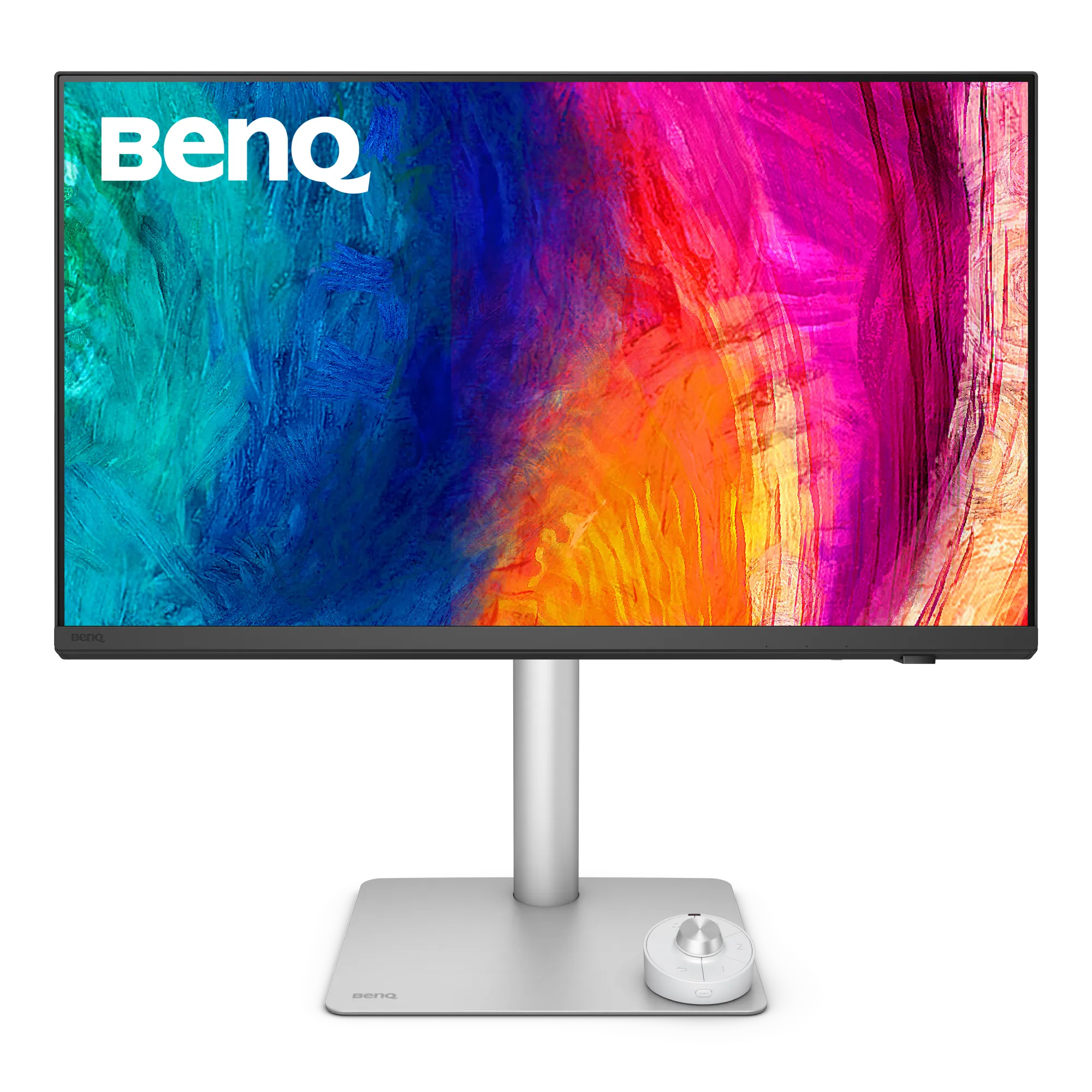
BenQ PD2730S
BenQ
BenQ PD2730S
$1,199
The 5K for Mac colour professionals who don't want reference-monitor prices. Factory Calman and Pantone verified with a printed Delta E report, a Nano Matte surface, Thunderbolt 4 with daisy-chain, a hardware KVM and a full ergonomic stand. The most professional 5K Mac monitor under $1,500.
ASUS
ASUS ProArt PA27JCV

ASUS
ASUS ProArt PA27JCV
$799
The budget 5K that opened a new price tier. 218 PPI Retina density, 99% DCI-P3 and 95% Adobe RGB, Calman Verified Delta E under 2, DisplayHDR 500 and 96W USB-C charging for $799. You give up Thunderbolt, a camera and premium build, but it is the cheapest legitimate Retina monitor for Mac.
ASUS
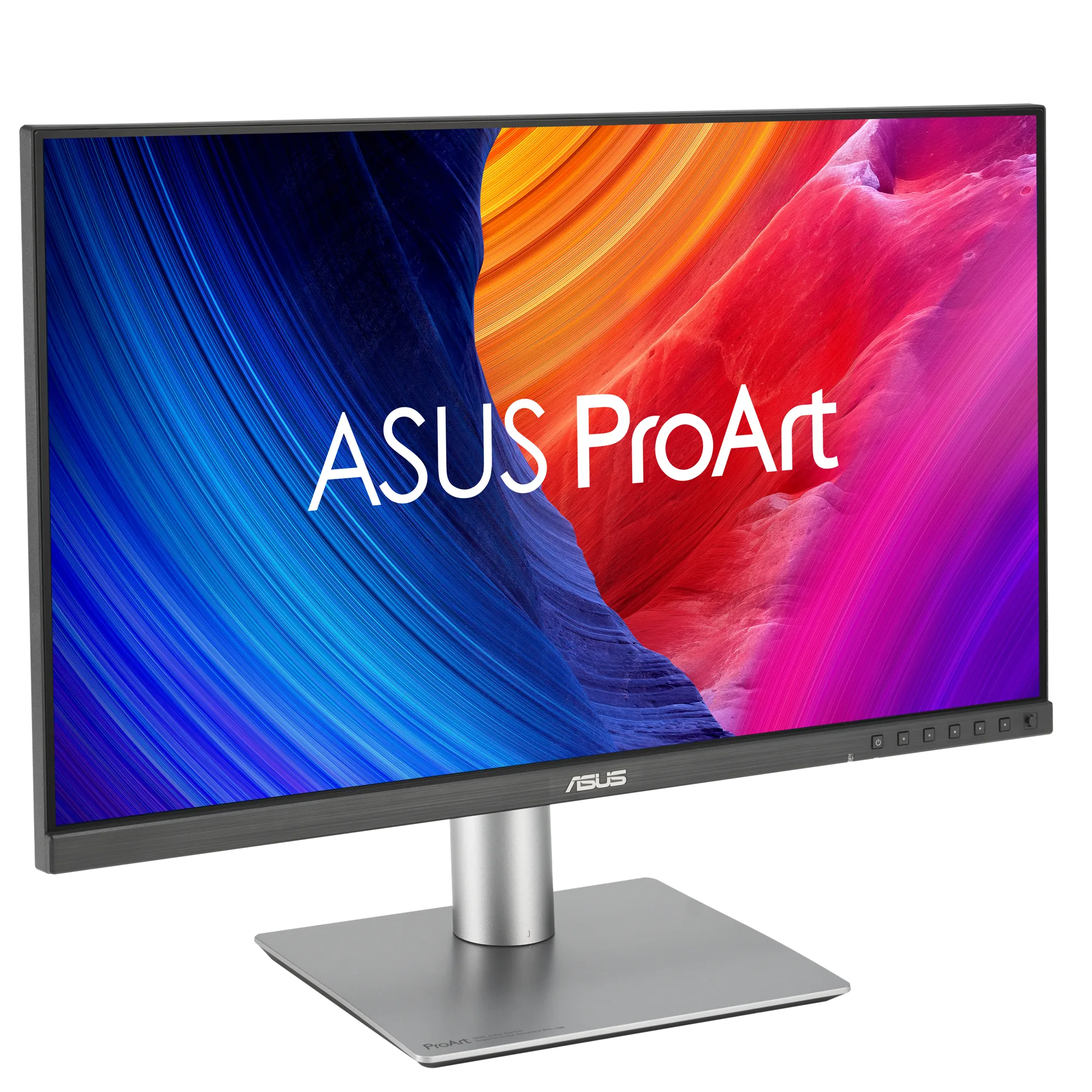
ASUS ProArt PA32QCV
ASUS
ASUS ProArt PA32QCV
$1,299
The 6K monitor most Mac owners should buy. 6K at 31.5 inches for $1,299, at the same 218 PPI as a Studio Display, with about 40% more screen. Calman Verified factory calibration, dual Thunderbolt 4 with 96W charging, daisy-chain and KVM, and a fully adjustable stand. The trade-offs are modest HDR and a heavy matte coating.
LG
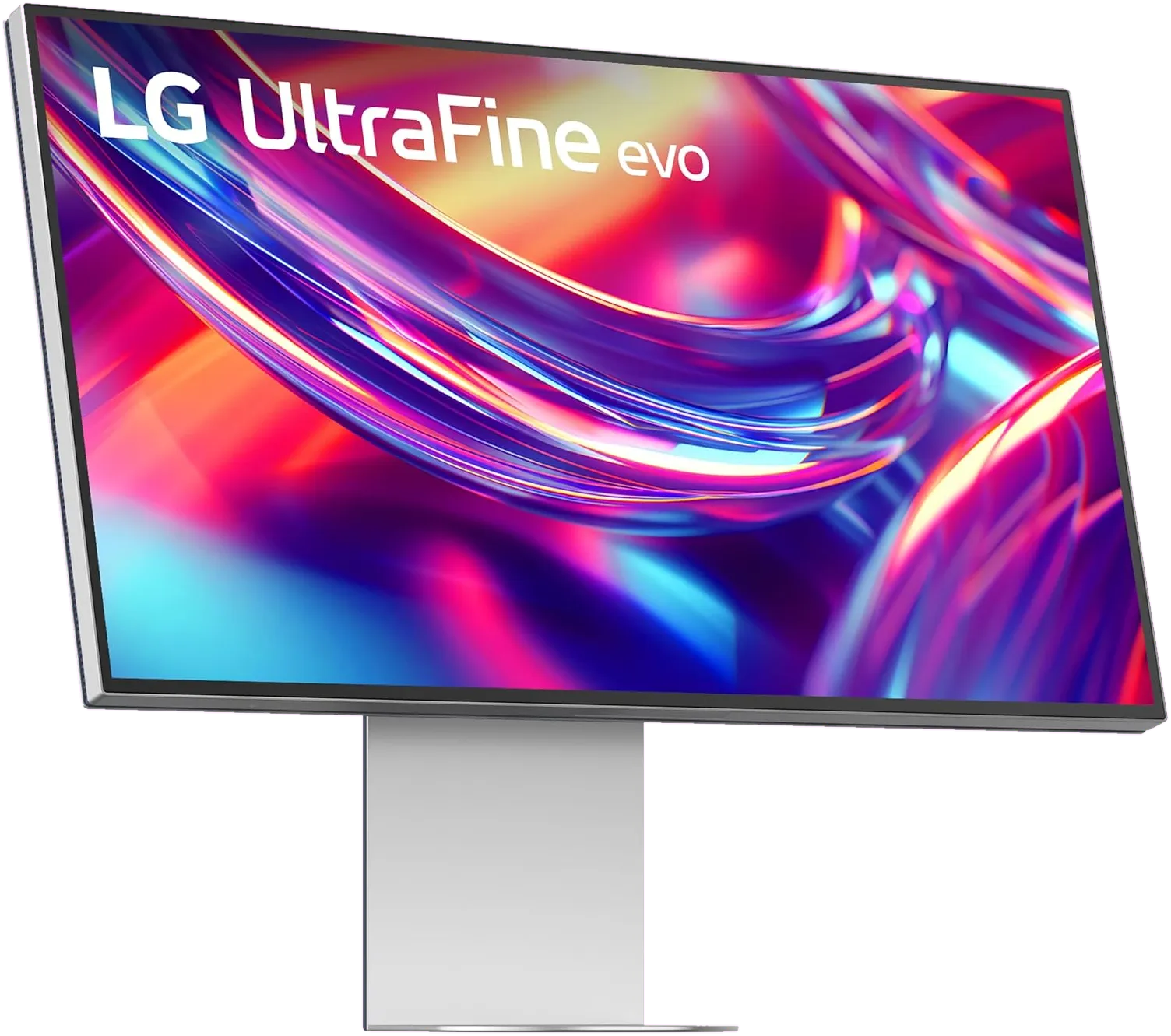
LG UltraFine evo 6K
LG
LG UltraFine evo 6K
$1,999
The first 6K monitor with Thunderbolt 5, and LG's return to the Mac market. A Nano IPS Black panel, 98% DCI-P3 and 99.5% Adobe RGB, and an 80 Gb/s single-cable connection that can daisy-chain a second 6K. At $1,999 it is a hard sell over the ASUS PA32QCV; on sale near $1,299 it is the most future-proof 6K you can buy.
Kuycon
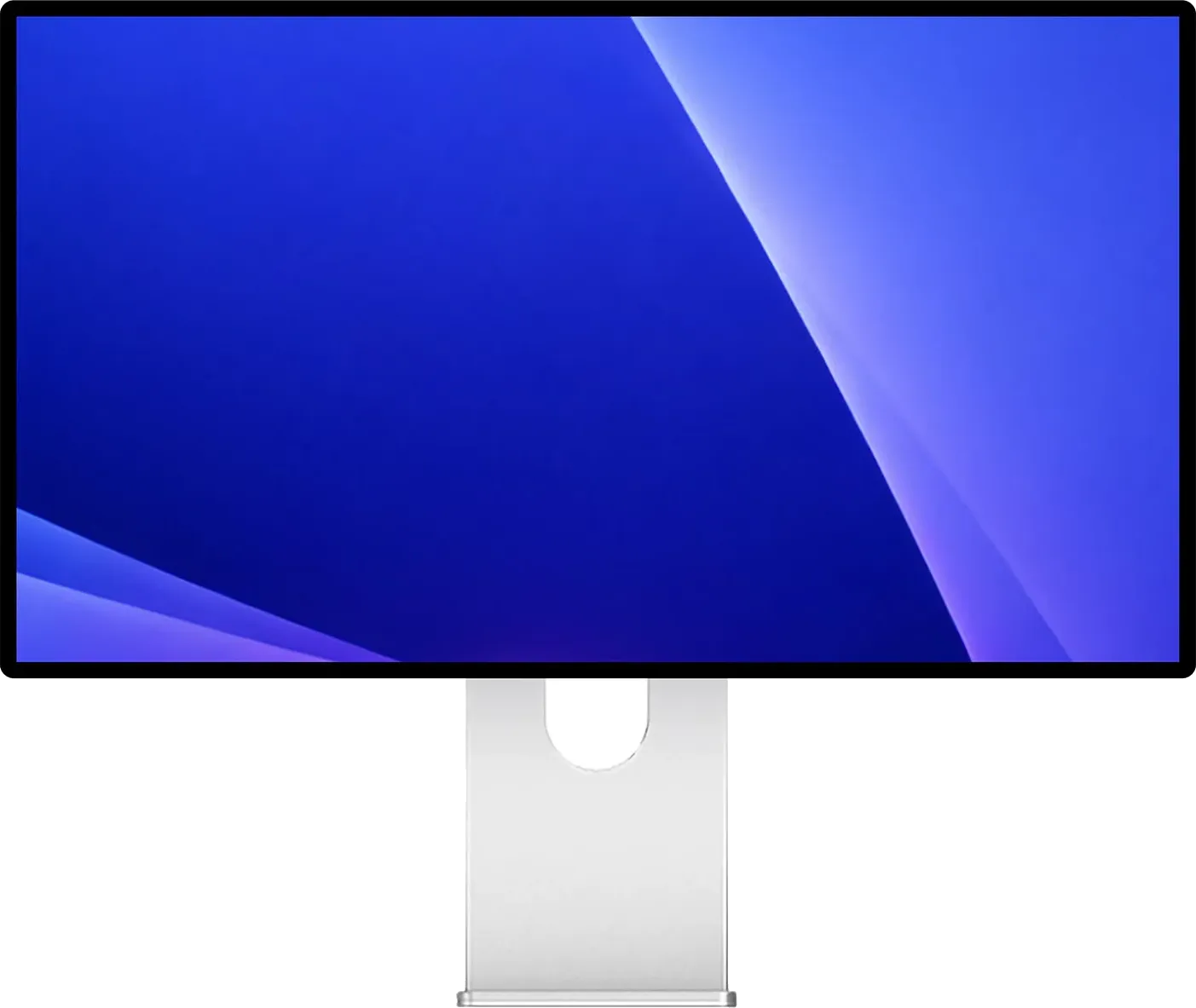
Kuycon G32P / G32X
Kuycon
Kuycon G32P / G32X
$1,699
Nothing else on sale looks this much like a Pro Display XDR. Real glass, 223 PPI and a rated 2,000:1 on the glossy G32P for about $1,699, or 218 PPI matte on the G32X for $1,399. Lovely panels, but no dock, no speakers, no KVM, a twelve-month warranty, and no independent lab has measured either one yet.
Apple
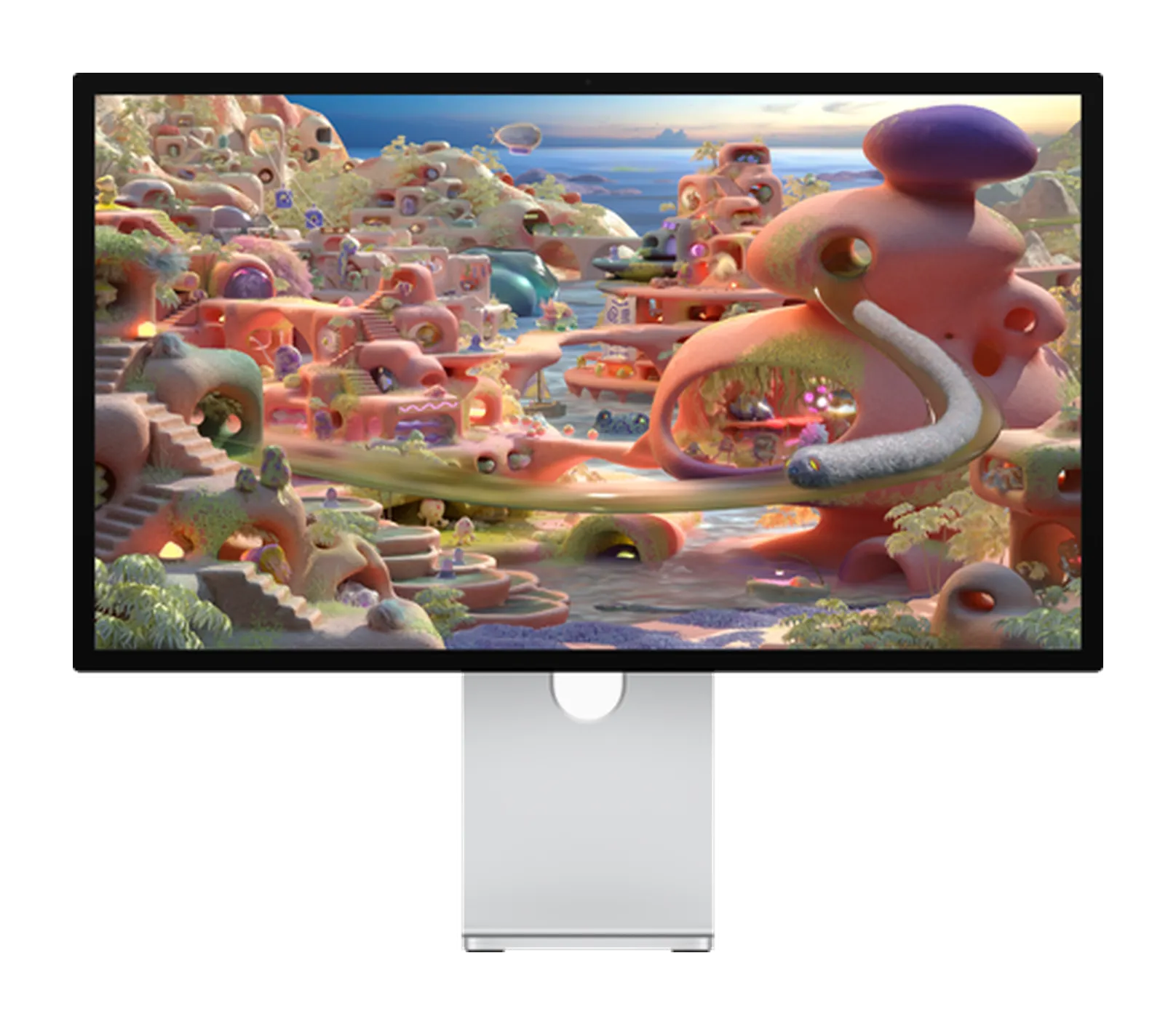
Apple Studio Display XDR
Apple
Apple Studio Display XDR
$3,299
Apple's successor to the Pro Display XDR, compressed into 27 inches. A 2,304-zone Mini-LED backlight, 2,000-nit HDR peaks, 120 Hz Adaptive Sync, native P3 and Adobe RGB, and 140W Thunderbolt 5 charging, with a tilt and height stand in the box. Reference-class HDR in a Studio Display chassis from $3,299.
Dell
Dell UltraSharp U3224KB

Dell
Dell UltraSharp U3224KB
$2,399
An enterprise-ready 6K. Dell adds a 4K IR webcam with beamforming mics, strong speakers, 140W Thunderbolt 4 charging, 2.5GbE Ethernet and a huge hub, backed by next-business-day on-site support. At $2,399 it costs $1,100 more than the ASUS PA32QCV, which makes sense when a company is paying.
LG
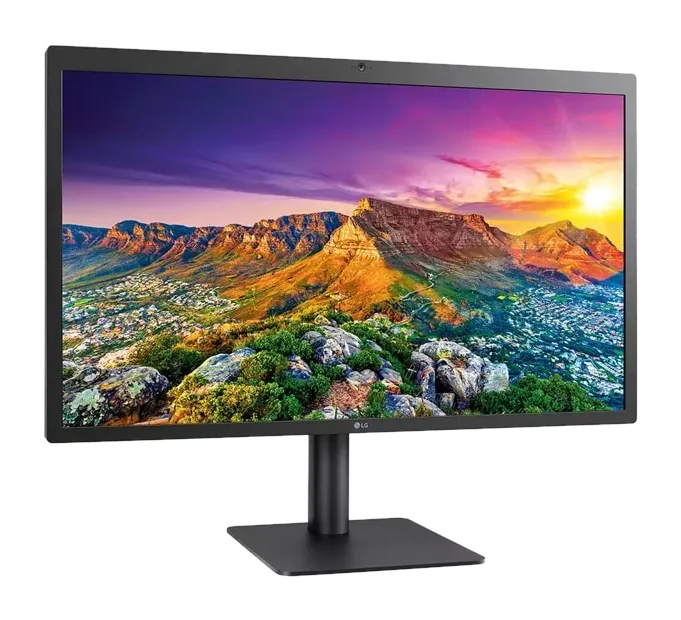
LG UltraFine 5K
LG
LG UltraFine 5K
$1,299
A legacy pick. The 27-inch 5K panel Apple and LG designed for the Mac, sold from 2015 and pulled from Apple's store in 2022. The 2019 Thunderbolt 3 refresh was the last. Used for well under $1,200 it is still a sharp, accurate Mac display; at new-stock prices the Studio Display or BenQ MA270S is better in every way.
The Studio Display isn’t the only answer any more
When the Studio Display launched in 2022, it was effectively the only 27-inch 5K monitor Apple would sell you, the only one with macOS-matched P3 colour, and the default answer whenever a MacBook Pro owner asked which monitor to buy.
In 2026 the field has caught up. BenQ sells the same 5K resolution for $600 less. ASUS has a 5K under $800 and a 6K for about a quarter of the old Pro Display XDR’s price. Dell built an enterprise 6K with features Apple doesn’t offer. Apple discontinued the Pro Display XDR and added the 27-inch Studio Display XDR above the regular model.
The Studio Display is still a great monitor. It just isn’t the only good one.
Studio Display, but cheaper: BenQ MA270S ($999)
The same 5120 × 2880 resolution and 218 PPI, two Thunderbolt 4 ports with 96W charging and daisy-chain, a properly height-adjustable stand and a 70 Hz panel, for $600 less.
The trade-offs are plastic build, no webcam and basic speakers. If you already own a good webcam and desktop speakers, it is the obvious choice. Read the full review → · Compare with the Studio Display →
Studio Display, but for colour work: BenQ PD2730S ($1,199)
Calman and Pantone verified factory calibration with a printed Delta E ≤ 2 report, a Nano Matte surface, a hardware KVM and a puck for switching colour modes. It costs $400 less than a Studio Display and offers professional colour features Apple doesn’t. Read the full review → · Compare with the Studio Display →
Studio Display, but under $800: ASUS ProArt PA27JCV ($799)
The budget pick: the same Retina density, wide P3 and Adobe RGB coverage, Calman Verified calibration and a stand with 130 mm of height travel. You give up Thunderbolt (it uses USB-C with 96W charging), decent speakers and a camera. To save $800, many buyers can live with that. Read the full review → · Compare with the Studio Display →
A bigger Studio Display: ASUS ProArt PA32QCV ($1,299)
Instead of 27-inch 5K, get 32-inch 6K at the same 218 PPI with about 40% more screen, for $300 less than a Studio Display. It has Thunderbolt 4 docking, a KVM and a fully adjustable stand, but no camera. If you live in multi-panel creative apps, this is the better buy. Read the full review → · Compare with the Studio Display →
Thunderbolt 5 and 6K: LG UltraFine evo 32U990A ($1,999)
The first 6K monitor with Thunderbolt 5. Its Nano IPS Black panel has deeper blacks than standard IPS, and its 98% DCI-P3 and 99.5% Adobe RGB coverage is unmatched on this list. One Thunderbolt 5 cable carries the picture, data and 96W of charging, and it can daisy-chain a second 6K display. It lists at $1,999 but is often on sale near $1,299, where it has the strongest panel here. Read the full review →
The glass front, at 32 inches: Kuycon G32P ($1,699)
Part of the Studio Display’s appeal is its glass, and almost nobody else uses it. Kuycon does: the G32P puts laminated glass over a 6144 × 3456 (223 PPI) Nano IPS Black panel rated at 500 nits and 2,000:1, in a CNC aluminium body with a honeycomb back borrowed from the Pro Display XDR. The catch is everything around the panel: no hub, camera or speakers, a one-year warranty, and no independent measurements yet. A matte G32X costs $1,399. Read the full review →
For businesses: Dell UltraSharp U3224KB ($2,399)
The most fully featured monitor here: a 4K webcam, strong speakers, a large hub with 2.5GbE Ethernet, 140W Thunderbolt 4 charging and Dell ProSupport with on-site service. It costs about $1,100 more than the ASUS 6K, but offers enterprise support Apple doesn’t. IT departments and mixed Mac and Windows offices should consider it. Read the full review →
The original Apple co-design: LG UltraFine 5K (used, about $800–1,200)
The monitor Apple sold through apple.com for years, no longer sold by Apple. The panel is still excellent, but the design is dated and new stock is overpriced. Buy one only at a used bargain. Read the full review →
For HDR: Apple Studio Display XDR ($3,299)
Apple’s successor to the Pro Display XDR: the same 27-inch 5K resolution as the Studio Display, with a 2,304-zone Mini-LED backlight, 2,000-nit HDR peaks, 120 Hz Adaptive Sync, native P3 and Adobe RGB, 140W Thunderbolt 5 charging and a height-adjustable stand included. It is the Apple display worth paying for if HDR grading is your daily job. Check your chip first: M1-family, M2 and M3 Macs are limited to 60 Hz; you need an M2 Pro or newer, including the M6 and M5 Pro Mac minis and the M5 Max and M5 Ultra Mac Studio, for 120 Hz. Read the full review → · Compare with the Studio Display →
The decision matrix
| Need | Pick | Price |
|---|---|---|
| Cheapest 5K for Mac | ASUS ProArt PA27JCV | $799 |
| Best-value 5K | BenQ MA270S | $999 |
| Best for colour work | BenQ PD2730S | $1,199 |
| Best-value 6K | ASUS ProArt PA32QCV | $1,299 |
| Studio Display polish | Apple Studio Display | $1,599 |
| Glass front at 32 inches | Kuycon G32P | $1,699 |
| Thunderbolt 5 and 6K | LG UltraFine evo 32U990A | $1,999 |
| Enterprise deployment | Dell UltraSharp U3224KB | $2,399 |
| HDR reference | Apple Studio Display XDR | $3,299 |
How we chose
This guide is research-based. We compare manufacturer specifications, named independent lab measurements and Apple’s per-Mac display documentation; see our methodology. Before buying, check how many displays your Mac supports in our external display support tool.
The short answer
If you don’t want to pay Apple’s premium, buy the BenQ MA270S. If you’d rather have a bigger screen for about Studio Display money, the ASUS ProArt PA32QCV is the smarter buy. The Studio Display is still a great monitor; it’s just no longer the only good answer.
Frequently asked questions
What is the closest alternative to the Apple Studio Display?
The BenQ MA270S. It has the same 27-inch 5K resolution and 218 PPI, includes a height-adjustable stand, charges at 96W over Thunderbolt 4 and costs $600 less. It lacks the Studio Display's 12MP camera and six-speaker system.
Is the ASUS ProArt PA27JCV a real Studio Display competitor?
On sharpness, yes: it has the same 218 PPI density for about $799, with Calman Verified colour and a height-adjustable stand. It uses USB-C instead of Thunderbolt, has weak speakers and no camera, so it suits budget buyers and second displays best.
Is there a Studio Display-style monitor with HDR?
Yes: Apple's 27-inch Studio Display XDR adds a 2,304-zone Mini-LED backlight, 2,000-nit HDR peaks and 120 Hz. True HDR at 27-inch 5K is still rare outside it. Note that it only runs at 120 Hz on M2 Pro or newer Macs; M1-family, M2 and M3 Macs cap at 60 Hz.
Do Studio Display alternatives work with Windows PCs?
Yes. The BenQ MA270S, BenQ PD2730S and ASUS ProArt PA27JCV work over USB-C, DisplayPort or HDMI with Windows machines, and several have KVMs for sharing one keyboard and mouse. The Studio Display works with Windows too, but loses features such as camera controls and firmware updates.
Will a third-party 5K monitor look as sharp as the Studio Display?
Yes. Any 27-inch 5K panel at 218 PPI renders macOS text with the same sharpness. The real differences are brightness, colour calibration, surface finish, build quality and built-in extras.
Keep reading
Other buying guides
-
Guide
The best 5K monitors for MacBook Pro
Every Retina-density 27-inch 5K monitor worth buying in 2026, ranked by value, build and how well it works with a Mac.
Read guide -
Guide
The best 6K monitors for Mac Studio
Every 32-inch 6K monitor worth buying in 2026, ranked by value, use case and how well it works with a Mac.
Read guide
Keep exploring RetinaDesk
More useful hubs if you're still narrowing the pick.