BenQ
BenQ PD2730S
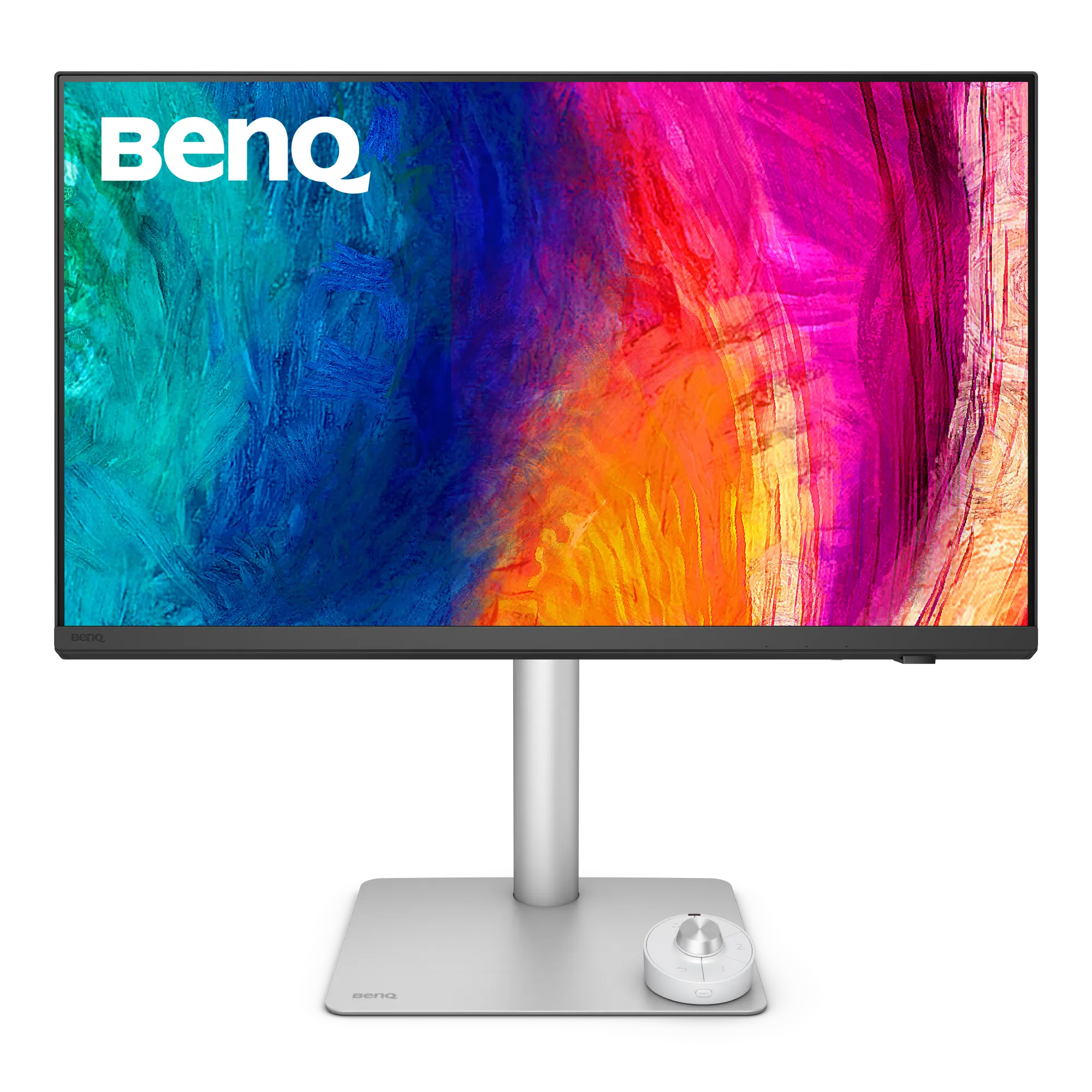
BenQ · PD2730S
BenQ PD2730S Review: Calman-Verified 5K at a Pro Price
By Parish Khan ·
For editors who want color accurate 5k display without paying Pro Display XDR prices. This monitor is Factory Calman and Pantone verified. It has a printed Delta E report in the box. DisplayHDR 400 with HDR10 and hardware KVM built in. The most pro 5K Mac monitor under $1500.
As an Amazon Associate, RetinaDesk earns from qualifying purchases.
Front 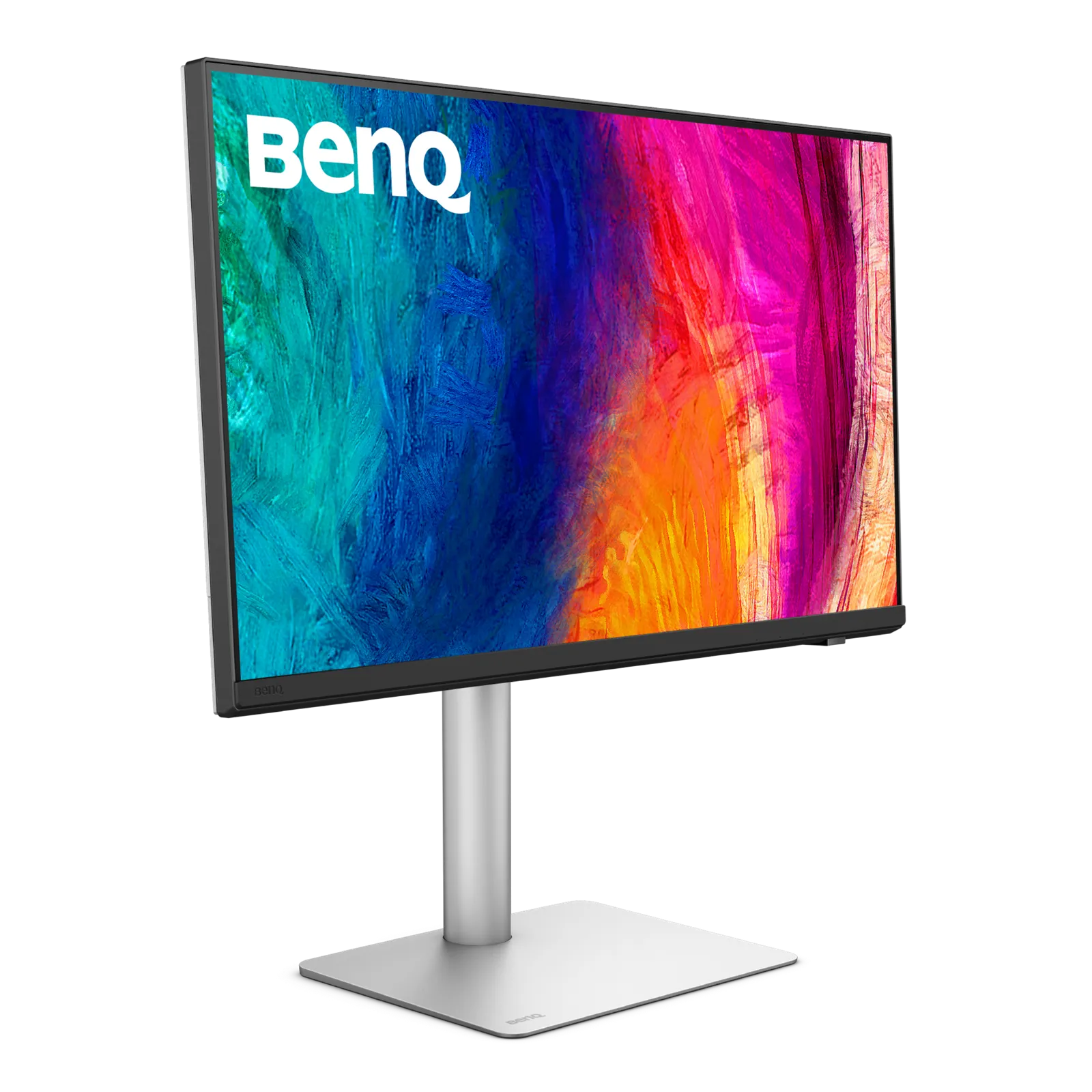 3/4 angle
 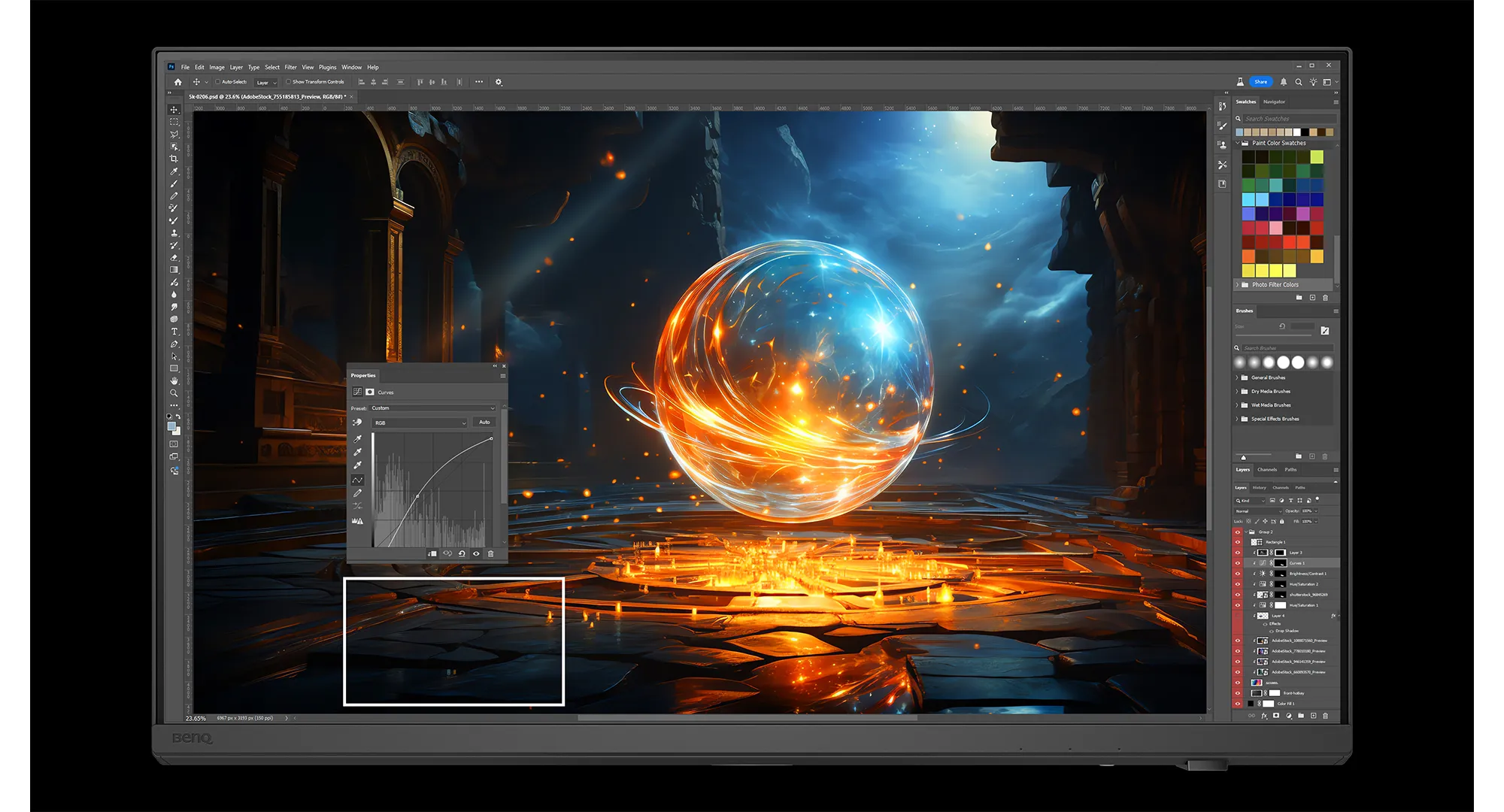 Close-up
 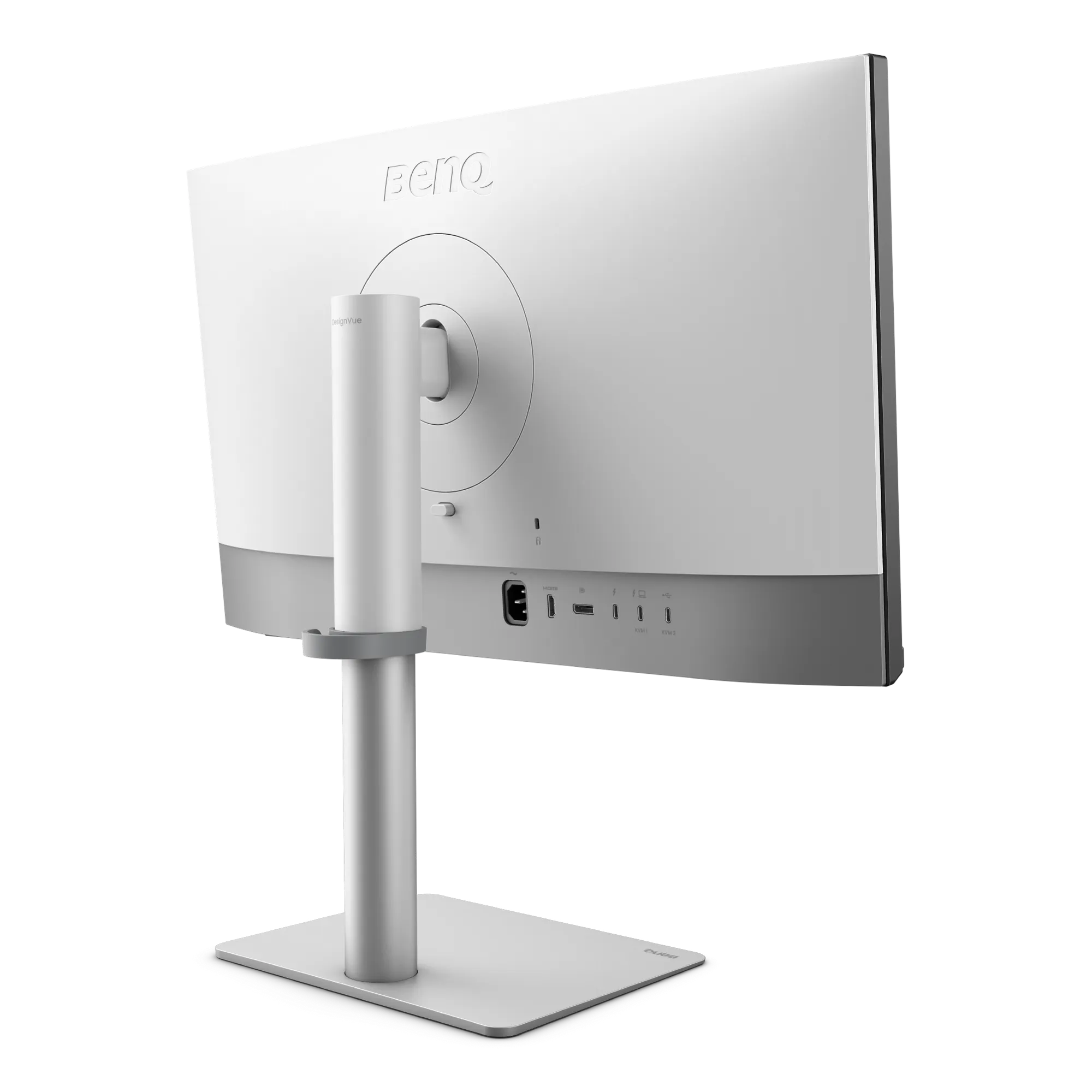 Back & ports
 Pros
- Out of the box- Calman Verified + Pantone Validated + Pantone SkinTone with printed Delta E ≤ 2 report
- Nano Matte anti glare panel for different angle viewing in mixed lighting
- DisplayHDR 400 certification with HDR10
- static contrast of 2000:1 and which is really good to an IPS panel in this price
- Hardware level KVM switch for Mac + PC setups on a single keyboard and mouse
- Thunderbolt 4 with 90W charging and daisy chain to a second 5K display
- Full ergonomic stand with 150mm height, swivel and 90° pivot
Cons
- COST $200 extra over the MA270S for few software features only
- Speakers are a basic 2× 3W system and sound quality is not premium
- DisplayHDR 400 is entry level HDR. It is not suitable for HDR mastering workflows
- BenQ's M-Book style branding is less convenient than Apple's integrated systems
Best for
- Freelance photo and video editors working with clients for colour accurate work
- Color Printing workflows that needs Pantone Validated rendering
- Studios managing multi colour space daily
- Cross platform Mac + Windows pro users who like to use KVM
Skip if
- General developers and writers should go for the MA270S for $200 less
- HDR mastering work with DisplayHDR 400 is not very good
- Anyone who doesn't know what Calman and Delta E mean
The verdict, up top
The PD2730S monitor is the BenQ MA270S with a professional toolkit attached on. Same pixel density. Same color profile on paper. But now you get factory Calman verification with a printed Delta E report right in the box. A Pantone Validated and Pantone SkinTone certification, a hardware KVM switch, and DisplayHDR 400 with HDR10. But the price $200 more than the MA270S. For anyone really need a monitor for color accurate work then it’s an obvious upgrade.
The professional difference
The PD2730S monitor ships with a printed Calman Verified Delta E ≤ 2 report right into the box. Each panel is individually carefully measured at the factory. And matched to a calibration target. That matters for three practical reasons.
Client trust- You can show a client a printed report documenting colour accuracy on your monitor. Freelancers and designer use this feature regularly.
Consistency- Multi display setups match because every unit is calibrated to the same reference target.
Uniformity- Color consistency within documented spec, not just ambient.
Pantone Validated means the monitor is certified by Pantone Color Institute. That can reproduce their PMS colour library. Pantone SkinTone adds verified accuracy for skin tone reproduction. Which matters a lot for portrait photographers and fashion retouchers. Also a must have feature for TV and film colourists.
Hardware KVM
The PD2730S includes a built in KVM which can be used to swtich keyboard/video/mouse without touching any cable. You just need to plug in both a Mac via Thunderbolt 4 and a PC via USB-C or DisplayPort then connect one keyboard and mouse to the monitor. This setup will allow you toggle between machines via a hotkey. Eliminates the need for a standalone KVM dock that can cost around $200+.
This is specifically valuable for freelancers working across Mac and Windows PC both at the same time. It can also be usefull for studios with mixed platform workstations.
HDR support
DisplayHDR 400 is the entry tier of VESA HDR certifications. The PD2730S monitor hits 400 nits peak brightness with HDR10. Keep in mind that it is not a reference HDR mastering panel. The Apple Studio Display XDR and some dedicated Sony/Flanders monitors hold that tier with 1000 nits sustained brightness. But for editing HDR video in Premiere or Final Cut and seeing a representative approximation is functional. Please don’t buy this for HDR mastering. Do use it for HDR aware editing workflows where the final deliverable goes out on an external good HDR monitor.
Colour modes and the puck
Twelve pre configured color modes are accessible via the OSD. The color profiles can also be accessed via the BenQ Hotkey Puck G3 which ships in the box. The puck is a small wired controller that sits on your desk with three programmable buttons. You flip instantly switch between Display P3 for iOS design, DCI P3 for video grading, sRGB for web, Pantone for print matching, and so on, without ever touching the OSD.
For a professional workflows that span multiple colour spaces. A commercial photographer might shoot in Adobe RGB, edit in Display P3, and deliver in sRGB for web + Pantone matched for print. This is a significant time saver.
Who should buy this over the MA270S
- Freelance photo and video editors doing color accurate work
- Power users who is managing multiple display for colour spaces daily
- Studios that need documented calibration for client approval
- Cross platform power users with Mac + Windows using the KVM
- Print workflows that required Pantone Validated colour reproduction
Who should buy the MA270S instead
- Developers, writers, and general MacBook Pro users should avoid it
- Anyone who doesn’t know what Calman and Delta E are
- Budget buyers who’ll never use the calibration report
- Single platform Mac only users who don’t need KVM
The bottom line
The PD2730S is a cost $200 extra for professional colour features. If you bill clients for colour accurate work, or your work setup spans multiple colour spaces daily then it pays for itself right from the first month. If you’re reading this and wondering do I need Calman verification? you probably don’t need this monitor. You should Get the MA270S. If you immediately recognized Pantone Validated then this is your monitor.
Still can’t make the final decision? See how it ranks in our best 5K monitors for MacBook Pro guide.
Ready to buy the BenQ PD2730S?
Check current price and availability on Amazon. As an Amazon Associate, RetinaDesk earns from qualifying purchases.
As an Amazon Associate, RetinaDesk earns from qualifying purchases.
Independent lab measurements
What the BenQ PD2730S actually measures
BenQ claims 400 nits, 2000:1 and ΔE ≤ 2 for the PD2730S. Three labs measured it and brightness is where they diverge sharply — from 346 to 485 nits depending on the rig and mode. Contrast and colour accuracy land close to or better than the claim in every test. Every figure is attributed to the lab that measured it.
Maximum SDR brightness
485 nits
+21% vs BenQ's 400
3 labs · 340–485
Primary: PCWorld
Native contrast ratio
2,070:1
+4% vs BenQ's 2,000:1
2 labs · 1,890–2,070:1
Primary: PCWorld
DCI-P3 coverage
100%
+2% vs BenQ's 98%
Primary: PCWorld
Colour accuracy
0.10 ΔE
95% below BenQ's 2
2 labs · 0.10–0.42
Primary: Tom's Guide
Measured colour gamut coverage
Measured BenQ claims
Claimed 100% · PCWorld
Claimed 98% · Digital Camera World measured 97% on the same claim · PCWorld
Digital Camera World measured 86% — not a claimed figure · PCWorld
Brightness & contrast
- Peak SDR brightness
- 485 nits PCWorld
- Peak HDR brightness 10% window size
- 448 nits Tom's Guide
- Maximum contrast ratio
- 2,070:1 PCWorld
- Peak contrast Only at ~25% brightness; closer to 1000:1 elsewhere
- 1,890:1 Digital Camera World
- Luminance uniformity spread Brightest to dimmest region
- 12% Digital Camera World
Colour accuracy
- Average colour error
- 0.10 ΔE Tom's Guide
- Average error, second lab
- 0.42 ΔE Digital Camera World
- Gamma Against a 2.2 target — very slightly bright
- 2.1 PCWorld
- White point Against a 6500 K target
- 6,700 K PCWorld
Gamut volume
- sRGB volume Volume, not coverage
- 104.9% Tom's Guide
- DCI-P3 volume
- 98.3% Tom's Guide
Where these numbers come from
RetinaDesk does not run a photometry lab. Every figure above is an instrumented reading published by the lab named beside it, collected here so you can compare them against BenQ's claimed specification in one place. Each lab's full review is linked below, so you can check any number at its source. Our own testing of the BenQ PD2730S is hands-on use on Apple silicon — described in how we test.
- PCWorld
Colorimeter (model not disclosed)
- Tom's Guide
Nikita Achanta · Lab colorimeter (model not disclosed)
- Digital Camera World
Colorimeter (model not disclosed)
Compare the BenQ PD2730S
Head-to-head with the monitors most shoppers cross-shop against.
Pick any other monitor from our catalog and see the spec-by-spec matchup instantly.
Before you buy
Check your Mac and your cable.
Three quick checks that determine whether the BenQ PD2730S will actually run at its full resolution on your specific Mac.
Mac PPI Calculator & Retina Checker
See how the 5K panel at 27" will actually render on macOS, and how it compares to Retina targets.
Open calculatorMac Cable Bandwidth Calculator
Confirm your USB-C, HDMI, DisplayPort or Thunderbolt cable can carry 5K at 60Hz from your Mac.
Check my cableMac External Display Support
Check whether your exact Apple Silicon Mac (M1 through M6) can drive the BenQ PD2730S at native resolution.
Look up my Mac