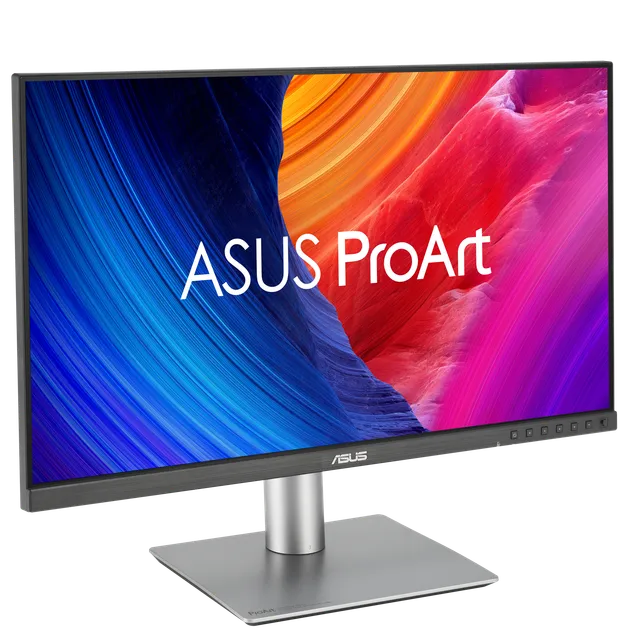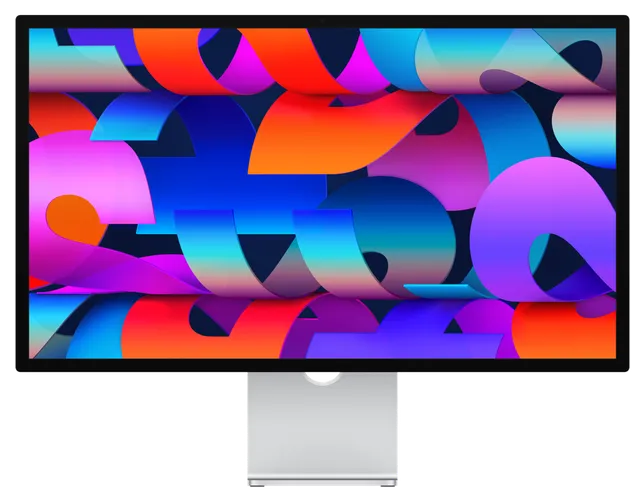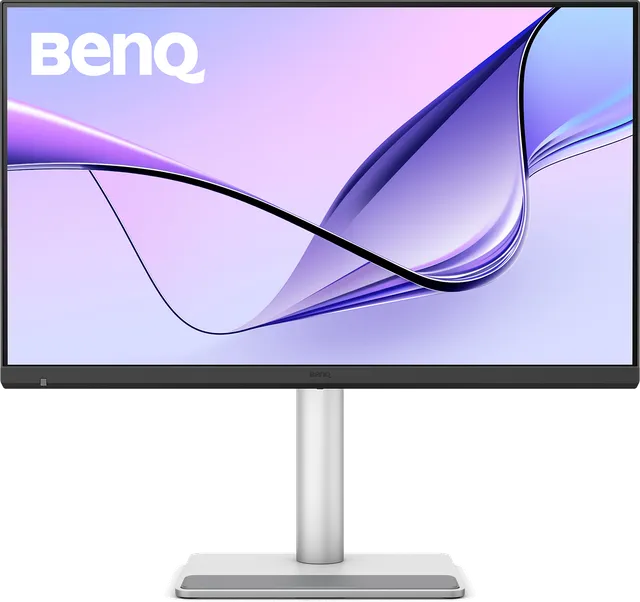
BenQ · 5K 27″
BenQ MA270S
88%
match
- 96W charges your MacBook Pro 14″ at full speed
- Rated 4.5 / 5 in our review
- Leaves $1,001 of your budget
Updated October 2026 Independent Mac only
macOS is built around 218 pixels per inch. Only 27″ 5K and 32″ 6K panels hit it. The ordinary 4K monitor doesn't, which is why text looks soft on it. We track every Retina-density monitor on sale, check it against Apple's own display limits for each Mac, and tell you which one to buy.
macOS draws at 1×. Each letter is built from a handful of chunky pixels, and hairlines are half a pixel wide, so they fade.
macOS draws at 2×, then shrinks every frame by 25% to fit. Nothing lands on a pixel boundary, so edges smear across their neighbours.
Exactly 2×. Every point macOS draws is a clean 2 × 2 block of pixels. This is the density the whole interface was designed for.
Monitor matchmaker
Four questions. The ranking updates as you answer, and it uses the same scores and specs as our full reviews.
BenQ · 5K 27″
ASUS · 6K 32″
Apple · 5K 27″
5 more monitors fit your budget. Browse the full catalog →
Editor's pick · October 2026
Apple
Apple Studio Display XDR
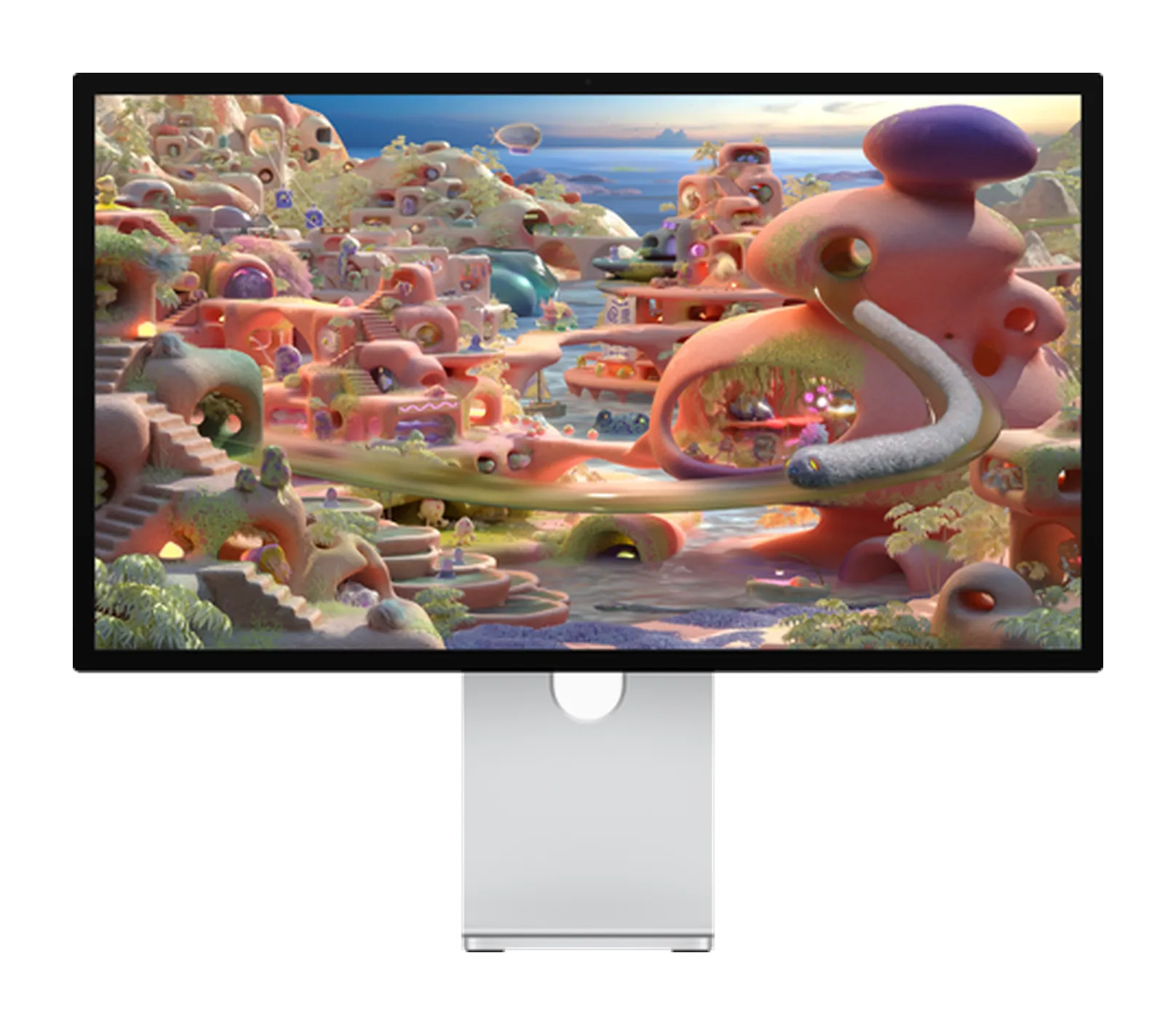
Apple
Apple's successor to the Pro Display XDR, compressed into 27 inches. A 2,304-zone Mini-LED backlight, 2,000-nit HDR peaks, 120 Hz Adaptive Sync, native P3 and Adobe RGB, and 140W Thunderbolt 5 charging, with a tilt and height stand in the box. Reference-class HDR in a Studio Display chassis from $3,299.
As an Amazon Associate, RetinaDesk earns from qualifying purchases.
The fundamental question
Same 218 PPI, so text is exactly as sharp on both. What changes is how much fits. Hover a size to compare it with the 14″ MacBook Pro screen you already know.
6 monitors · from $799
The pragmatic default. Retina density on a canvas you can take in without turning your head. Where most MacBook Pro owners should land.
4 monitors · from $1,299
The same sharpness with 38% more pixels. Room for a timeline plus a viewer, or three documents side by side. Worth it for multi-panel creative work.
The market at a glance
Where each monitor we'd still buy sits on price. 5K above the line, 6K below. Retina density starts at $799 for 27″ and $1,299 for 32″.
Every monitor, ranked
10 monitors still on sale, in editorial order. Every one links to a full independent review.
Apple
Apple Studio Display XDR
Apple
$3,299
Apple's successor to the Pro Display XDR, compressed into 27 inches. A 2,304-zone Mini-LED backlight, 2,000-nit HDR peaks, 120 Hz Adaptive Sync, native P3 and Adobe RGB, and 140W Thunderbolt 5 charging, with a tilt and height stand in the box. Reference-class HDR in a Studio Display chassis from $3,299.
Apple
Apple Studio Display

Apple
$1,599
The simplest 27-inch 5K for a Mac. A 218 PPI P3 panel, one Thunderbolt 5 cable for picture, charging and data, the best camera in any monitor and six speakers that sound like a decent desktop set. You pay an Apple premium, and you get Apple polish in return.
BenQ
BenQ MA270S

BenQ
$999
The best-value 5K monitor for Mac. It matches the Studio Display's 218 PPI for $999 and adds a height-adjustable stand, dual Thunderbolt 4 with 96W charging and daisy-chain, a 70 Hz panel, a KVM and a Mac-tuned colour mode. There is no camera and the speakers are basic, but you save $600.
BenQ
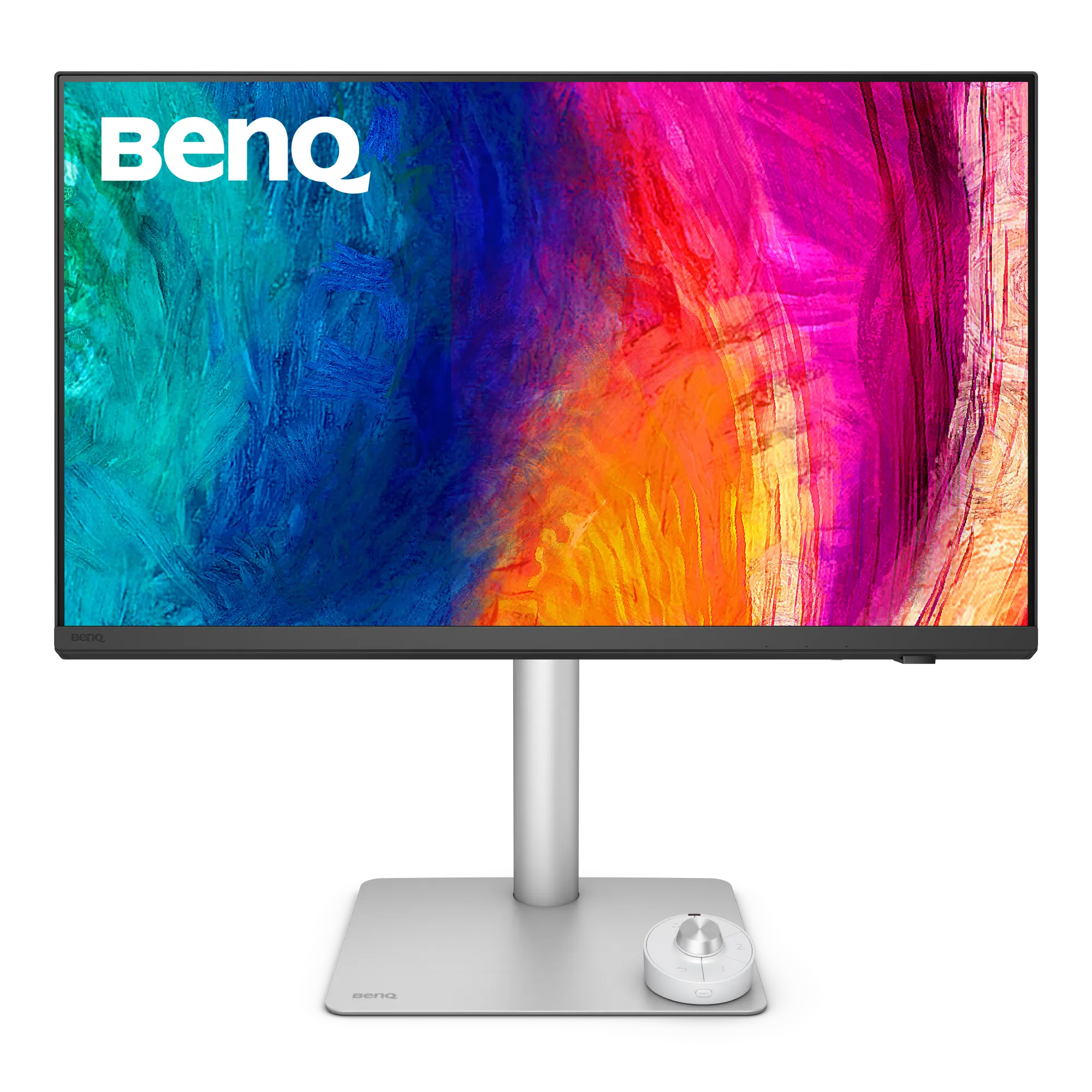
BenQ PD2730S
BenQ
$1,199
The 5K for Mac colour professionals who don't want reference-monitor prices. Factory Calman and Pantone verified with a printed Delta E report, a Nano Matte surface, Thunderbolt 4 with daisy-chain, a hardware KVM and a full ergonomic stand. The most professional 5K Mac monitor under $1,500.
ASUS
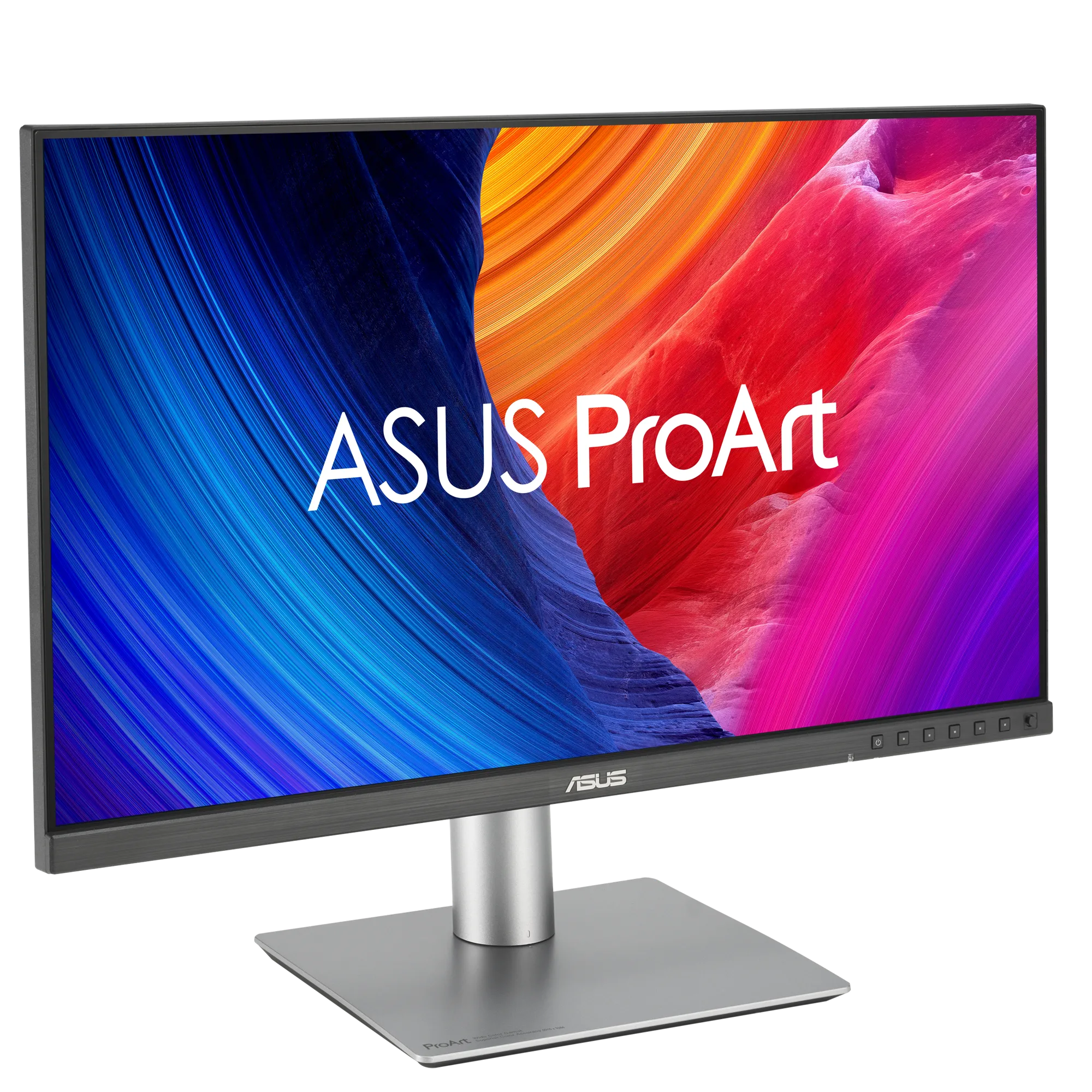
ASUS ProArt PA32QCV
ASUS
$1,299
The 6K monitor most Mac owners should buy. 6K at 31.5 inches for $1,299, at the same 218 PPI as a Studio Display, with about 40% more screen. Calman Verified factory calibration, dual Thunderbolt 4 with 96W charging, daisy-chain and KVM, and a fully adjustable stand. The trade-offs are modest HDR and a heavy matte coating.
ASUS
ASUS ProArt PA27JCV

ASUS
$799
The budget 5K that opened a new price tier. 218 PPI Retina density, 99% DCI-P3 and 95% Adobe RGB, Calman Verified Delta E under 2, DisplayHDR 500 and 96W USB-C charging for $799. You give up Thunderbolt, a camera and premium build, but it is the cheapest legitimate Retina monitor for Mac.
LG
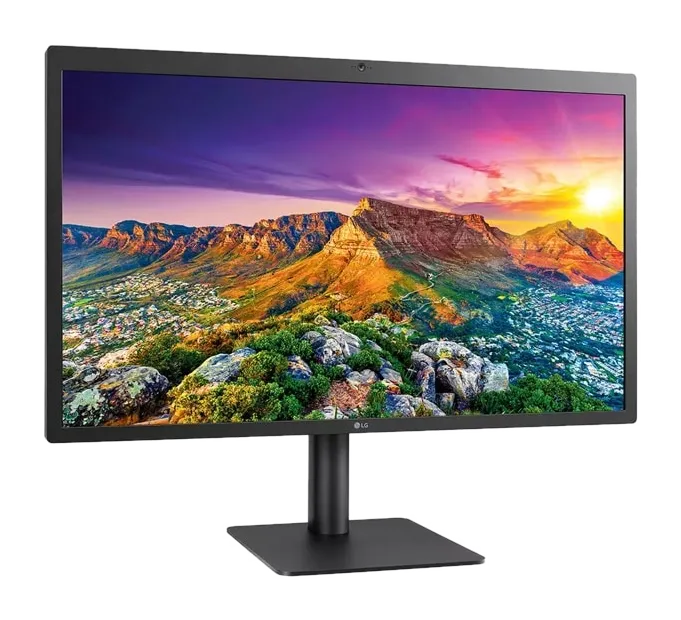
LG UltraFine 5K
LG
$1,299
A legacy pick. The 27-inch 5K panel Apple and LG designed for the Mac, sold from 2015 and pulled from Apple's store in 2022. The 2019 Thunderbolt 3 refresh was the last. Used for well under $1,200 it is still a sharp, accurate Mac display; at new-stock prices the Studio Display or BenQ MA270S is better in every way.
Dell
Dell UltraSharp U3224KB

Dell
$2,399
An enterprise-ready 6K. Dell adds a 4K IR webcam with beamforming mics, strong speakers, 140W Thunderbolt 4 charging, 2.5GbE Ethernet and a huge hub, backed by next-business-day on-site support. At $2,399 it costs $1,100 more than the ASUS PA32QCV, which makes sense when a company is paying.
LG
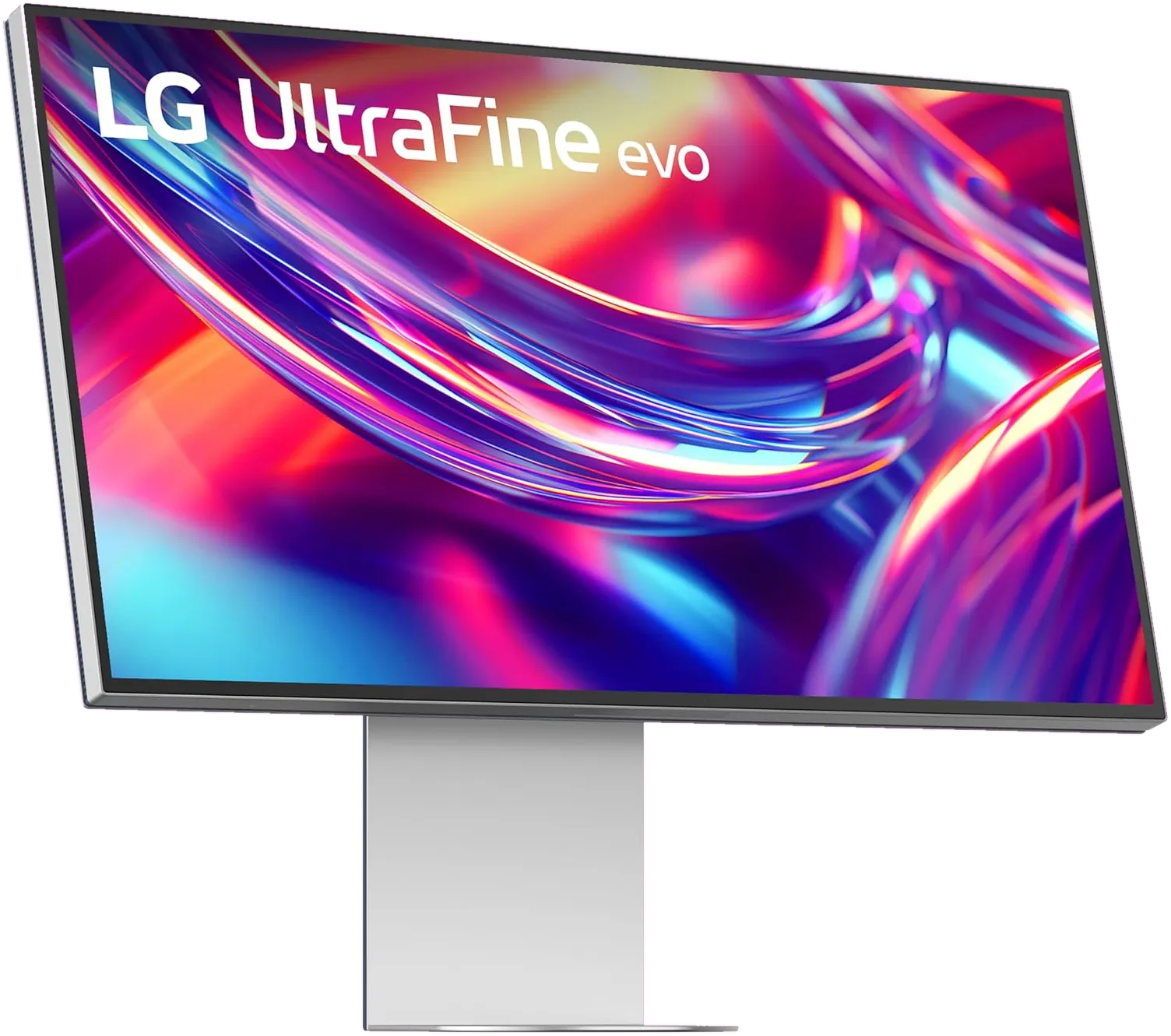
LG UltraFine evo 6K
LG
$1,999
The first 6K monitor with Thunderbolt 5, and LG's return to the Mac market. A Nano IPS Black panel, 98% DCI-P3 and 99.5% Adobe RGB, and an 80 Gb/s single-cable connection that can daisy-chain a second 6K. At $1,999 it is a hard sell over the ASUS PA32QCV; on sale near $1,299 it is the most future-proof 6K you can buy.
Kuycon
Kuycon G32P / G32X
Kuycon
$1,699
Nothing else on sale looks this much like a Pro Display XDR. Real glass, 223 PPI and a rated 2,000:1 on the glossy G32P for about $1,699, or 218 PPI matte on the G32X for $1,399. Lovely panels, but no dock, no speakers, no KVM, a twelve-month warranty, and no independent lab has measured either one yet.
Free tools
Six utilities we built while reviewing displays. Each one answers a question that spec sheets leave out.
External display support
Pick your exact Mac. See the real external display count, per-port resolution caps, and the gotchas Apple buries in footnotes.
PPI calculator
Any size, any resolution, checked against 218 PPI.
Cable bandwidth
USB-C, HDMI, DisplayPort, Thunderbolt, on your exact Mac.
Dock planner
Split Thunderbolt bandwidth across displays, drives and more.
Port checker
Every port on every Apple silicon Mac, decoded.
Monitor test
Full-screen patterns for dead pixels, backlight bleed, uniformity and gradients.
Start here
Guide
01Every Retina-density 27-inch 5K monitor worth buying in 2026, ranked by value, build and how well it works with a Mac.
Guide
02Every 32-inch 6K monitor worth buying in 2026, ranked by value, use case and how well it works with a Mac.
Guide
03Every monitor that beats or rivals the Studio Display in 2026, ranked by who each one is actually for.
How we work
One narrow question, answered properly: which Retina-density monitor should a Mac owner buy? That focus is the whole point.
PK Meet the reviewerNo manufacturer placements and no pay-for-rank. Rankings are what we'd tell a friend spending their own money. Affiliate links are disclosed openly.
Every monitor is matched against Apple's own per-model display limits, so you know whether your exact Mac drives it at native resolution, over which port, and with which cable. Our methodology.
Where we cite measured brightness, contrast or colour accuracy, every figure names the lab that took it. If nobody has measured it, we say that too.
Reviews are bylined, dated and revisited when prices move or new Macs ship. Last update: October 2026.