Apple Studio Display vs Apple Studio Display XDR
A side-by-side comparison of specs, price, and overall fit for Mac users in 2026.
Apple
Apple Studio Display

Apple Studio Display
The simplest 27 inch 5K for a Mac desktop. The 218 PPI P3 panel with single cable Thunderbolt 5 for charging + display + data. A really good 12 MP camera. And a six speaker setup that performs better than a $300 sound system. You pay the Apple premium and you get the Apple quality.
As an Amazon Associate, RetinaDesk earns from qualifying purchases.
Apple
Apple Studio Display XDR
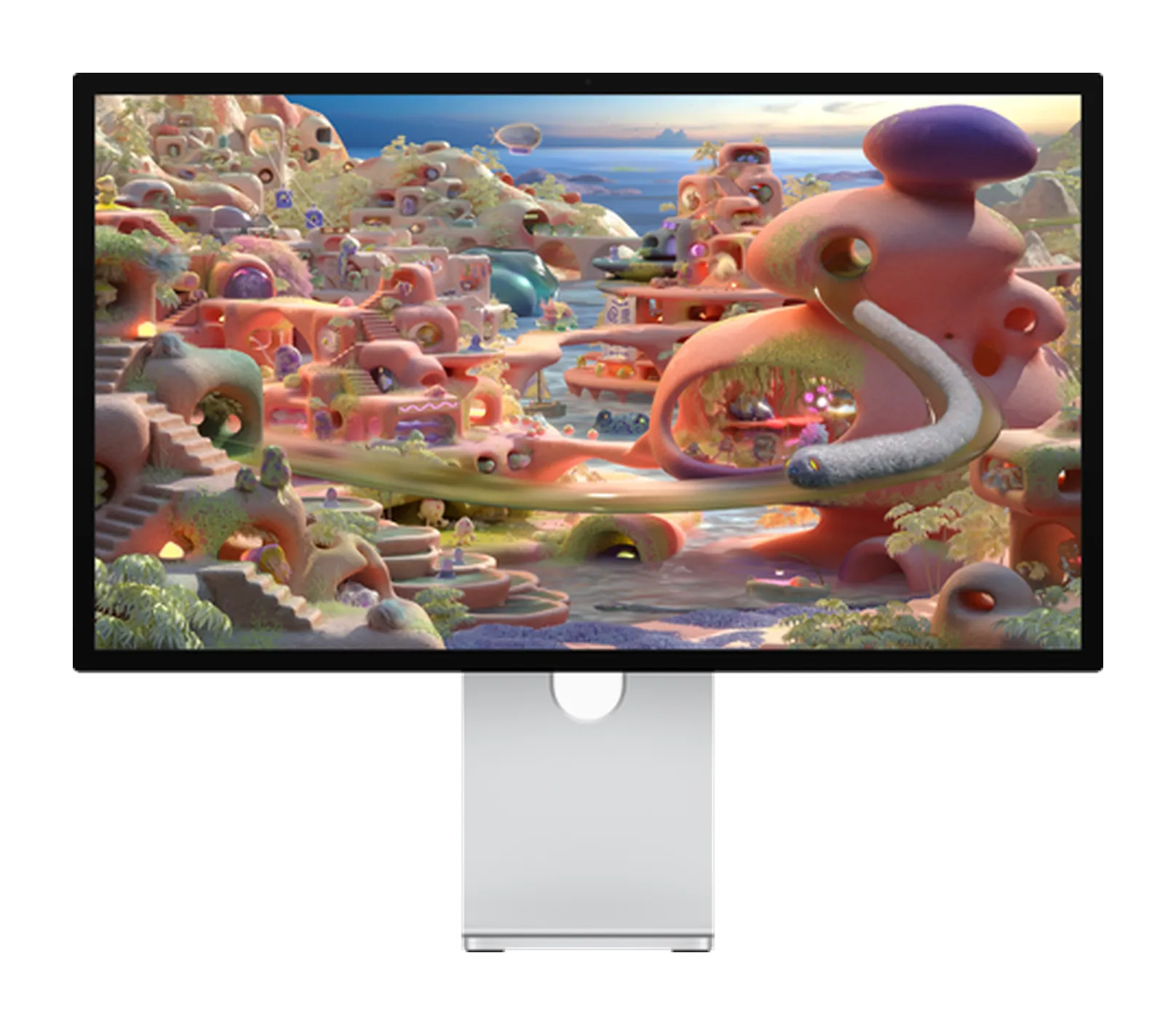
Apple Studio Display XDR
Apple's kind of successor to the Pro Display XDR but compressed into 27 inches. Top features are Mini LED with 2304 zones, 2000 nit peak HDR, 120 Hz with Adaptive Sync, native P3 and Adobe RGB coverage, and 140W charging with Thunderbolt 5. Top grade HDR in a Studio Display chassis starting at $3299 with the tilt and height stand already in the box.
As an Amazon Associate, RetinaDesk earns from qualifying purchases.
Full spec comparison
Every spec side by side. Orange highlights the better value in each row; muted values indicate ties.
| Spec | Apple Studio Display | Apple Studio Display XDR |
|---|---|---|
| Display | ||
| Resolution | 5120 × 2880 | 5120 × 2880 |
| Screen size | 27" | 27" |
| Pixel density | 218 PPI | 218 PPI |
| Aspect ratio | 16:9 | 16:9 |
| Panel | LED-backlit IPS | Mini-LED IPS (Mini-LED with 2,304 local dimming zones) |
| Surface | Anti-reflective (nano-texture optional) | Anti-reflective (nano-texture optional) |
| Backlight | LED | Mini-LED |
| Refresh rate | 60 Hz | 120 Hz |
| Response time | — | — |
| SDR brightness | 600 nits | 1000 nits |
| Peak HDR | — | 2000 nits |
| Contrast ratio | — | 1,000,000:1 |
| Colour depth | 10-bit | 10-bit |
| Delta E | — | — |
| HDR certification | — | HDR (Apple XDR spec): 1000-nit sustained, 2000-nit peak |
| Viewing angles | 178°/178° | 178°/178° |
| Colour gamut | ||
| Display P3 | 100% | 100% |
| sRGB | 100% | 100% |
| Adobe RGB | — | 100% |
| Connectivity | ||
| Thunderbolt | Thunderbolt 5 (upstream) TB5, 120 Gb/s · Thunderbolt 5 (downstream) TB5, 120 Gb/s | Thunderbolt 5 (upstream) TB5, 120 Gb/s · Thunderbolt 5 (downstream) TB5, 120 Gb/s |
| USB-C (non-TB) | 2× USB-C USB 3, 10 Gb/s | 2× USB-C USB 3, 10 Gb/s |
| HDMI | — | — |
| DisplayPort | — | — |
| USB-A | — | — |
| Max Power Delivery | 96W | 140W |
| Daisy-chain | Yes | Yes |
| KVM switch | No | No |
| Ethernet | — | — |
| USB hub | — | — |
| Audio & video | ||
| Speakers | Six-speaker system with force-cancelling woofers; Spatial Audio with Dolby Atmos | Six-speaker system with four force-cancelling woofers; Spatial Audio with Dolby Atmos |
| Webcam | 12MP Ultra Wide with Center Stage and Desk View | 12MP Ultra Wide with Center Stage and Desk View |
| Microphones | Studio-quality three-mic array with directional beamforming; supports 'Hey Siri' | Studio-quality three-mic array with directional beamforming; supports 'Hey Siri' |
| Physical & stand | ||
| Weight | 6.3 kg | 8.5 kg |
| Dimensions (W×H×D) | 62.3 × 47.8 × 16.8 cm (tilt stand) | 62.3 × 58.3 × 21.4 cm (at maximum height on stand) |
| Stand | Tilt-adjustable (standard); tilt + height-adjustable optional; VESA mount optional | Tilt- and height-adjustable (included); VESA mount adapter optional |
| Height adjustment | 105 mm | 105 mm |
| Tilt | −5° to +25° | −5° to +25° |
| Swivel | — | — |
| Pivot | — | — |
| VESA mount | 100 × 100 mm (adapter configurable) | 100 × 100 mm (adapter configurable) |
| Calibration | ||
| Factory calibration | Apple factory calibration with reference modes | Apple factory calibration with reference modes; Adaptive Sync (47–120Hz) |
| Delta E report | No | No |
| Hardware calibration | No | No |
| Preset modes | Apple Display (P3-600 nits) · HDTV Video (BT.709-BT.1886) · NTSC Video (BT.601 SMPTE-C) · PAL and SECAM Video (BT.601 EBU) · Digital Cinema (P3-DCI) · Digital Cinema (P3-D65) · Design and Print (P3-D50) · Photography (P3-D65) · Internet and Web (sRGB) | Apple XDR Display (P3-2000 nits) · Apple Display (P3-D65) · HDR Video (P3-ST 2084) · HDR Video (P3-HLG) · Digital Cinema (P3-DCI) · Design and Print (P3-D50) · Photography (P3-D65) · Adobe RGB (1998) · BT.709 · BT.601 (SMPTE-C) · BT.601 (EBU) · Internet and Web (sRGB) |
| Power & support | ||
| Power (typical) | — | — |
| Power (max) | — | — |
| Certifications | Energy Star, True Tone | Energy Star, True Tone |
| Warranty | 1-year limited; AppleCare+ available for extended coverage | 1-year limited; AppleCare+ available for extended coverage |
| Release year | 2026 | 2026 |
| Price (USD) | $1,599 | $3,299 |
| Our rating | 4.5 / 5 | 4.5 / 5 |
Our verdict
The Apple Studio Display wins this matchup.
The simplest 27 inch 5K for a Mac desktop. The 218 PPI P3 panel with single cable Thunderbolt 5 for charging + display + data. A really good 12 MP camera. And a six speaker setup that performs better than a $300 sound system. You pay the Apple premium and you get the Apple quality.
As an Amazon Associate, RetinaDesk earns from qualifying purchases.